How to create a subscribe link on Mailchimp
Here is how to create a subscribe link on mailchimp
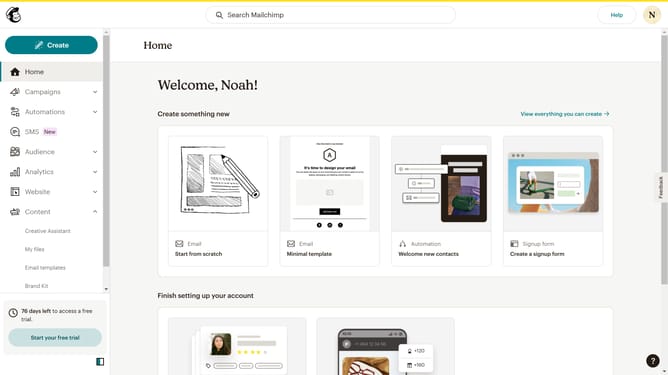
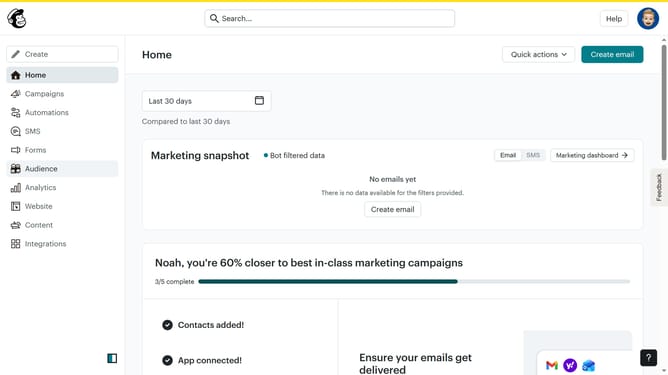
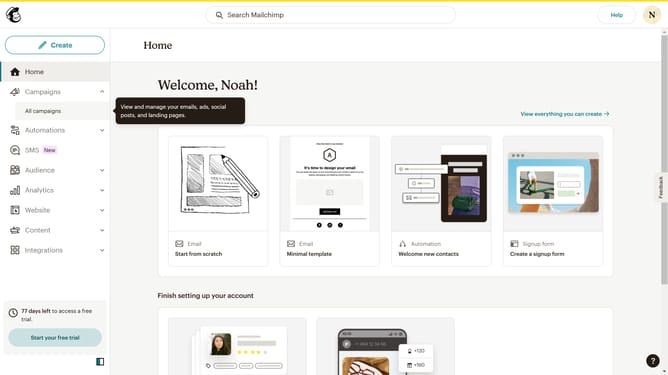
- First, click on the "Audience" item in the left sidebar
- Then click on the "Signup forms" link in the left sidebar submenu
- Next, choose your preferred form type
- Customize the form according to your preferences then click "Continue to Builder"
- Click on the "Form Fields" item in the left menu
- Finally, click the "Copy Code" button in the embedded form code section to get your code
Why should you create a subscribe link on Mailchimp
Mailchimp is a dynamic platform designed to empower users to master email marketing with ease.
Creating a subscribe link on Mailchimp is a straightforward feature that enhances connectivity and audience growth. This feature allows you to effortlessly share a link through various channels, inviting potential subscribers to join your mailing list.
Using Mailchimp's subscribe link is advantageous as it simplifies the process of audience engagement. It ensures that your subscription process feels seamless and accessible to users. By utilizing this feature, you facilitate efficient growth in your subscriber count, fostering a vibrant and engaged community.
Last update