How to pause a Mailchimp account
Here is how to pause a mailchimp account
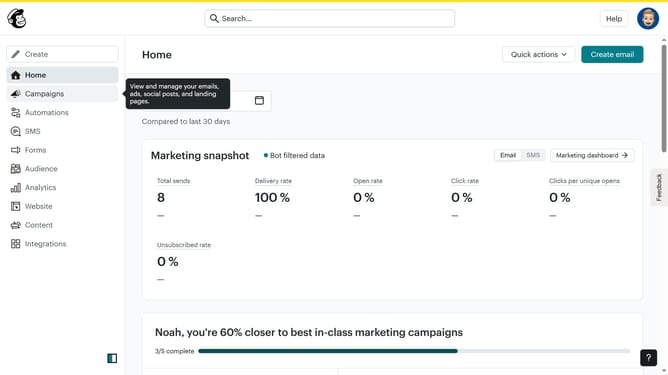
- First, click on your profile icon in the top-right corner of the header
- Then click on the "Account & billing" option in the profile dropdown menu
- Next, click on the "Settings" dropdown in the top navigation menu
- Then click on the "Manage my plan" option in the Settings dropdown menu
- Here you will find the option to pause your account, but remember this option is only available for paid accounts
Why should you pause a Mailchimp account
Mailchimp is an industry-leading platform for simplifying email marketing and automating tasks to streamline audience engagement.
The option to pause your Mailchimp account offers users valuable flexibility. It allows businesses to temporarily halt their services without losing data or current setups.
This feature is perfect for companies experiencing seasonal downtime or those needing a temporary break to revamp their campaign strategy.
Pausing ensures cost efficiency and resource management without the stress of reconfiguring everything at a later date.
Last update