How to deactivate social cards in Mailchimp
Here is how to deactivate social cards in mailchimp
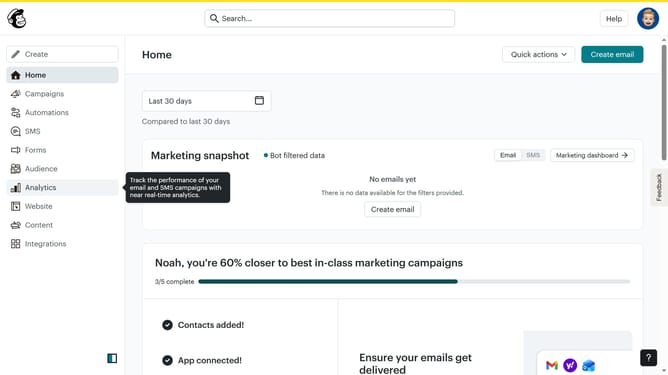
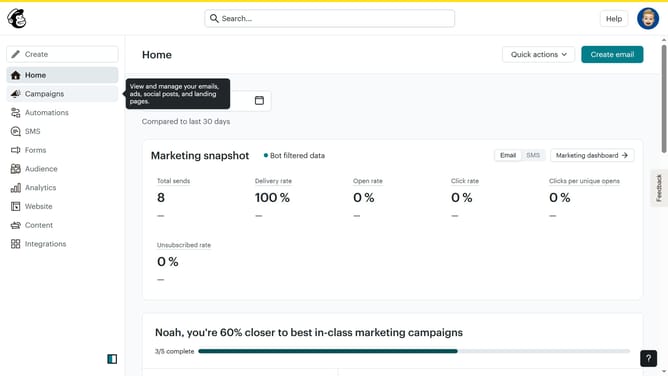
- First click on the "Campaigns" item in the left sidebar menu
- Then click on "Plain Text Email" in the campaigns list
- Click on "Preview and Test" dropdown button in the top navigation bar
- Select "Social Cards" option from the preview dropdown menu
- In the social cards settings panel, click on "Enable Customized Social Card" toggle to deactivate your social cards
- Finally click on the "Save & Close" button at the bottom of the settings panel
Why should you deactivate social cards in Mailchimp
Mailchimp is a user-friendly platform designed to enhance your email marketing campaigns with efficiency and ease.
Deactivating social cards in Mailchimp can help you maintain a clean, streamlined appearance for your emails, ensuring that your message remains the focal point.
This feature is beneficial because it gives you control over how your content is shared, eliminating unexpected elements that may not align with your branding.
By opting to deactivate social cards, you allow recipients to focus solely on your carefully crafted content, enhancing engagement and delivering your message more effectively.
Last update