How to delete a question block on a survey in Mailchimp
Here is how to delete a question block on a survey in mailchimp
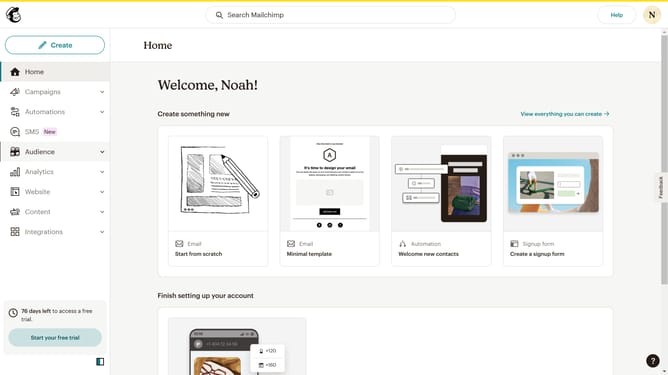
- First click on "Audience" item in the left sidebar menu
- Then click on "Surveys" link in the expanded Audience menu
- Next click on "Create new survey" button in the top right corner
- Then click on the survey name input field
- Next enter "Sample Survey" in the survey name field
- Then click on the Audience dropdown menu
- Next click on "Begin" button to start creating the survey
- First click the plus icon button in the central section of the page to add a new question
- Then click on the "Introduction" option from the question types menu
- Finally click the "Delete question" button in the right sidebar to remove the selected question
Why should you delete a question block on a survey in Mailchimp
Mailchimp is an intuitive platform designed to elevate email marketing with ease and efficiency.
One standout feature is the ability to delete a question block on a survey. This function ensures your surveys remain relevant and concise, adapting to the changing needs of your audience. By removing unnecessary or outdated questions, you keep engagements high and data quality intact.
Streamlining your surveys makes them more appealing, encouraging participation and ensuring your campaign gathers the most pertinent insights. Mailchimp's flexibility in customizing your content minimizes hassle, so you can focus on what truly matters—connecting with your audience.
Last update