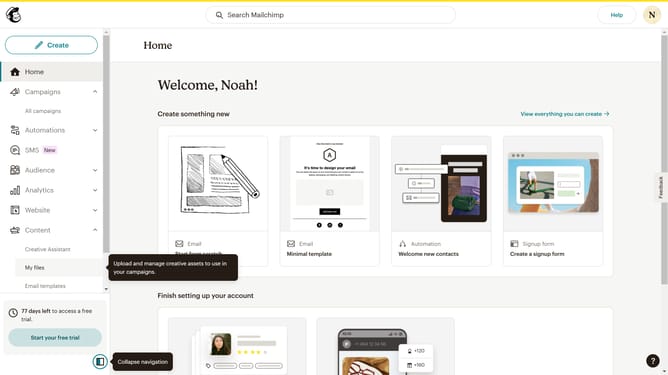
How to create a survey form in Mailchimp
Here is how to create a survey form in mailchimp
- First click on "Audience" item in the left sidebar menu
- Then click on "Surveys" link in the expanded Audience menu
- Next click on "Create new survey" button in the top right corner
- Then click on the survey name input field
- Next enter "Sample Survey" in the survey name field
- Then click on the Audience dropdown menu
- Finally click on "Begin" button to start creating the survey
Why should you create a survey form in Mailchimp
Mailchimp is a versatile marketing platform designed to help businesses grow their audience and engage effectively.
Creating a survey form in Mailchimp allows you to gather valuable feedback directly from your audience. This feature offers customizable templates to help you craft surveys that reflect your brand's unique style. With user-friendly tools and integration options, obtaining real-time insights has never been easier.
Using Mailchimp survey forms helps you better understand customer preferences, enhancing your marketing strategy and guiding data-based decisions, fostering more meaningful connections with your audience.
Last update