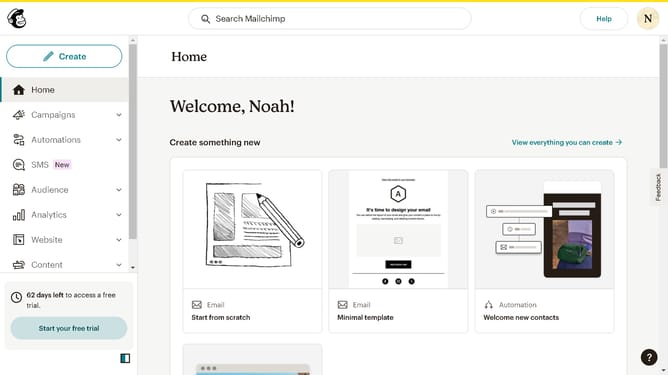
How to add a state field to a signup form on a landing page in Mailchimp
Here is how to add a state field to a signup form on a landing page in mailchimp
- First click on "Campaigns" item in the left sidebar
- Then click on "Edit" button
- Next click on "Edit design" button
- Then click on the edit icon
- Next click on the checkbox next to "State"
- Finally click on "Save & Close" button
Why should you add a state field to a signup form on a landing page in Mailchimp
Mailchimp is a versatile marketing platform designed to empower businesses in building effective customer relationships through email campaigns and landing pages.
Adding a state field to your signup form on a Mailchimp landing page is a simple way to gather more precise information about your audience. Understanding the geographic distribution of your subscribers allows for targeted promotions and strategies tailored to specific areas.
This feature enhances the personalization of your marketing campaigns, leading to increased engagement and conversion rates. By customizing forms with relevant fields, you can ensure your messaging resonates with the right audience.
Last update