How to add an update contact action to an automation in Mailchimp
Here is how to add an update contact action to an automation in mailchimp
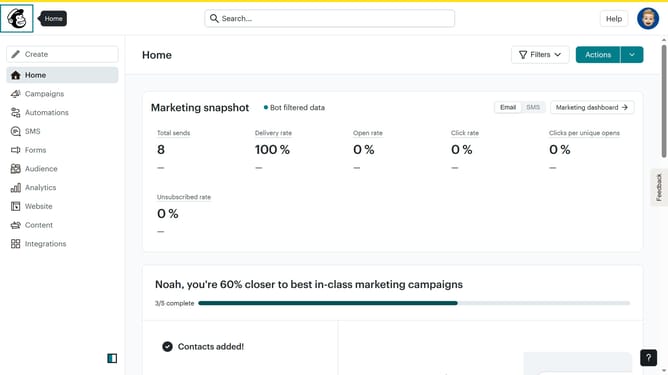
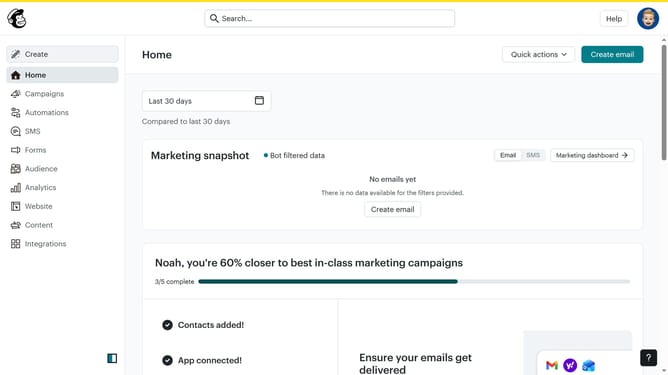
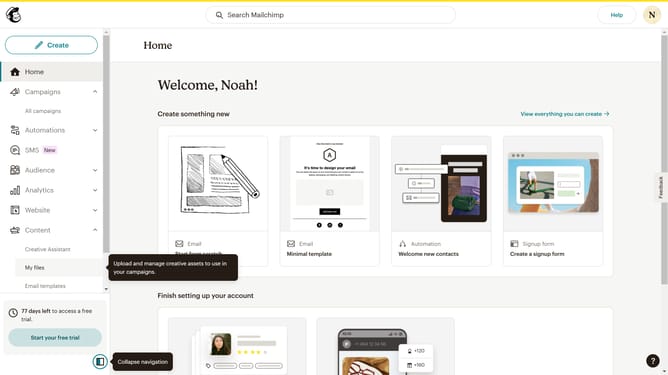
- First click on the "Automations" item in the left sidebar menu
- Next click on the "Finish Setup" button in the main automation flow screen
- Next click on the "Update contact" option in the left sidebar
- Then click on "Add a step" button in the flow builder area
- Next click on the "Action" dropdown field in the modal window
- Then click on the "Audience field" dropdown menu to select a field
- Next click on the "Change to" input field to enter a new value
- Finally click the "Save" button to apply the contact update changes
Why should you add an update contact action to an automation in Mailchimp
Mailchimp is a powerful marketing platform designed to help businesses grow by reaching and engaging their audiences effectively.
Adding an update contact action to an automation in Mailchimp ensures your contact lists are always up-to-date, enhancing the personalization of your marketing campaigns.
This feature allows you to modify contact information dynamically, based on interactions, ensuring accurate data management and fostering meaningful customer relationships.
Utilizing this action not only streamlines your communication strategies but also boosts customer engagement by delivering more relevant content.
Last update