How to create groups in Mailchimp
Here is how to create groups in mailchimp
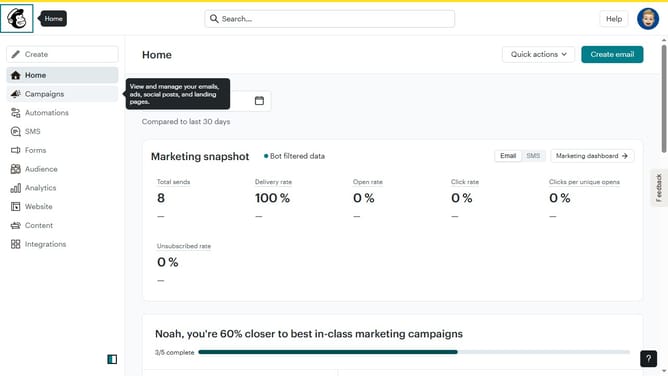
- First click on "Audience" in the left sidebar menu
- Next click on the "More options" dropdown button in the top-right corner of the Contacts page
- Then select "Groups" from the dropdown menu that appears
- Then click the "Create group" button in the top-right corner of the Groups page
- Next select the "Radio buttons" option in the Group type section
- Next enter the category title in the Group category field
- Next type in the first Group options text field
- Then click the "Add option" button below the Group options
- Then enter the word of your choice in the second Group options field
- Finally click the "Create group" button at the bottom of the modal window
Why should you create groups in Mailchimp
Mailchimp is a versatile platform designed to streamline your email marketing efforts with ease.
Creating groups in Mailchimp allows you to segment your audience efficiently, ensuring targeted communication.
This feature brings the benefit of personalization, crafting emails that speak directly to individual interests.
By organizing contacts into specific groups, you enhance engagement and improve the overall effectiveness of your campaigns.
Last update