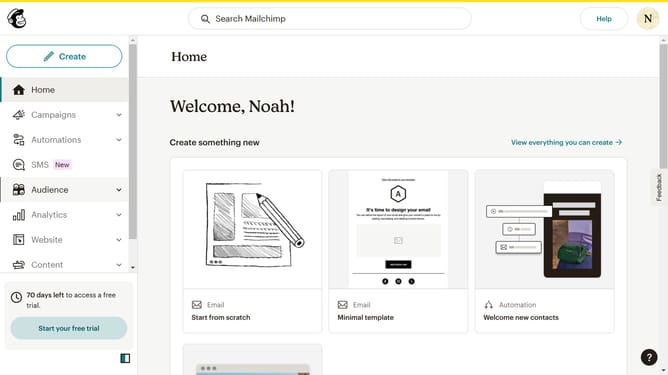
How to set up an email domain in Mailchimp
Here is how to set up an email domain in mailchimp
- First click on the profile icon in the top-right corner of the header
- Then click on "Profile" option in the dropdown menu
- Next click on "Domains" tab in the main navigation menu
- Then click on "Add & Verify Domain" button in the domains section
- Next click in the email address input field
- Finally click on "Send Verification Email" button in the verification dialog
Why should you set up an email domain in Mailchimp
Mailchimp is a dynamic marketing platform designed to seamlessly manage and communicate with your business audience.
Setting up an email domain in Mailchimp is a straightforward process that empowers businesses to present a professional image.
Utilizing this feature enhances brand consistency, ensuring emails reach inboxes with an authentic and verified identity.
This not only increases customer trust but also reduces the risk of emails being flagged as spam, thereby improving deliverability rates.
Last update