How to deactivate the social cards in Mailchimp
Here is how to deactivate the social cards in mailchimp
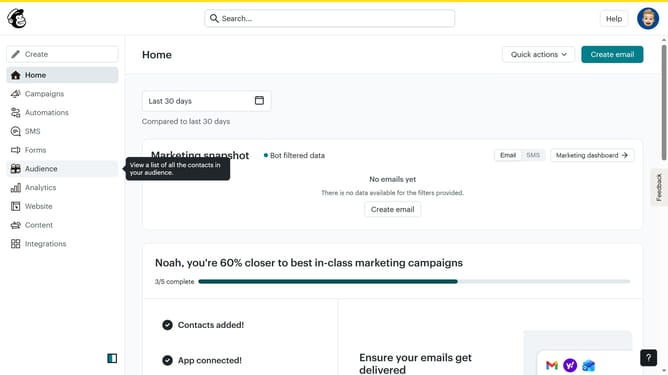
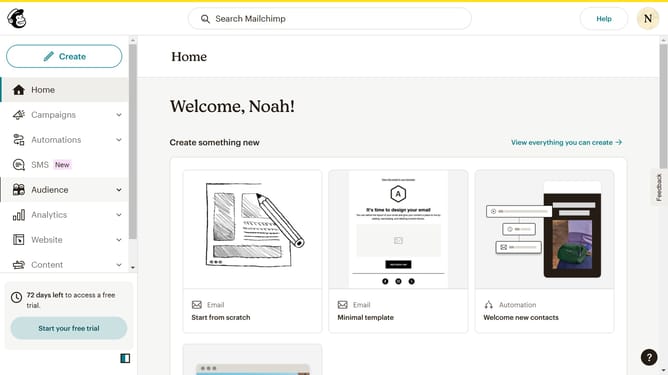
- First click on the "Campaigns" item in the left sidebar menu
- Then click on "Plain Text Email" in the campaigns list
- Click on "Preview and Test" dropdown button in the top navigation bar
- Select "Social Cards" option from the preview dropdown menu
- In the social cards settings panel, click on "Enable Customized Social Card" toggle to deactivate your social cards
- Finally click on the "Save & Close" button at the bottom of the settings panel
Why should you deactivate the social cards in Mailchimp
Mailchimp is a versatile platform designed to simplify your email marketing campaigns and audience management.
A notable feature within Mailchimp is the ability to deactivate social cards, which enhances how your email content appears when shared on social media platforms.
Turning off social cards prevents automatic previews, aligning your content precisely as intended without unexpected alterations in appearance or context.
This customization increases control over your brand's visual identity and can lead to more consistent messaging.
Last update