How to filter campaigns to SMS in Mailchimp
Here is how to filter campaigns to sms in mailchimp
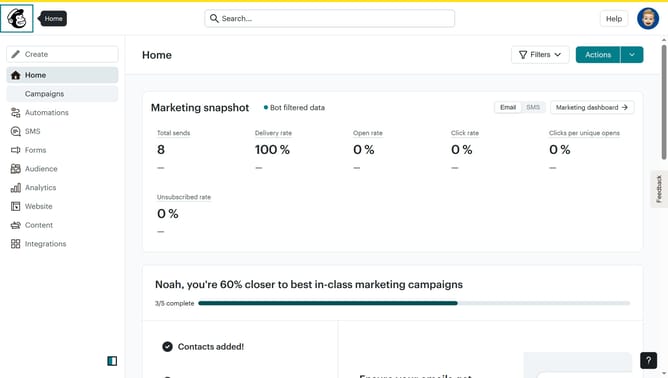
- First click on the "Campaign" button in the left sidebar navigation menu
- Then click on the "Type" dropdown filter in the campaign list header
- Finally select "SMS" option from the Type dropdown menu
Why should you filter campaigns to SMS in Mailchimp
Mailchimp is a powerful marketing platform that helps businesses grow by streamlining communication efforts.
The ability to filter campaigns to SMS in Mailchimp offers a concise way to reach audiences directly and personally via their mobile devices.
This feature allows marketers to tailor their messaging strategy by targeting subscribers who prefer receiving updates through SMS over other channels.
Utilizing SMS filtering enhances engagement and ensures messages reach the right audience effectively, boosting both response rates and customer satisfaction.
Last update