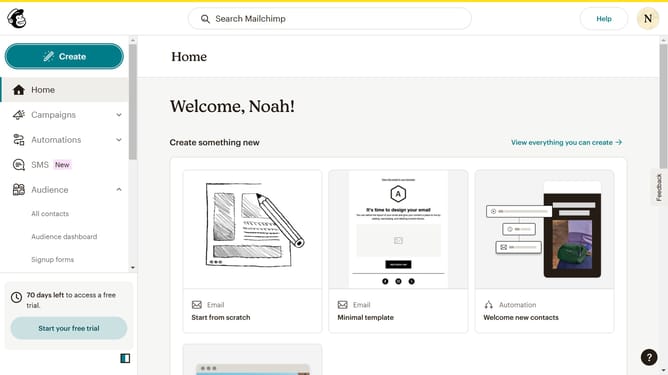
How to input an open text block on a survey in Mailchimp
Here is how to input an open text block on a survey in mailchimp
- First click on "Audience" item in the left sidebar menu
- Then click on "Surveys" link in the expanded Audience menu
- Next click on "Create new survey" button in the top right corner
- Then click on the survey name input field
- Next enter "Sample Survey" in the survey name field
- Then click on the Audience dropdown menu
- Next click on "Begin" button to start creating the survey
- Then click on the "Add question" button in the center of the question types slider
- Finally select the "Open text" button in the question types dropdown menu
Why should you input an open text block on a survey in Mailchimp
Mailchimp is a versatile platform designed to optimize your marketing through effective email campaigns and surveys.
Integrating an open text block into your Mailchimp survey allows respondents to express their opinions freely, offering invaluable qualitative insights that go beyond numeric ratings.
This feature enhances data richness by capturing specific feedback, enabling you to understand customer preferences on a deeper level and tailor your strategies accordingly.
Ultimately, it fosters a more engaging and interactive survey experience, allowing for a comprehensive analysis and improved customer satisfaction.
Last update