How to browse campaigns in calendar form in Mailchimp
Here is how to browse campaigns in calendar form in mailchimp
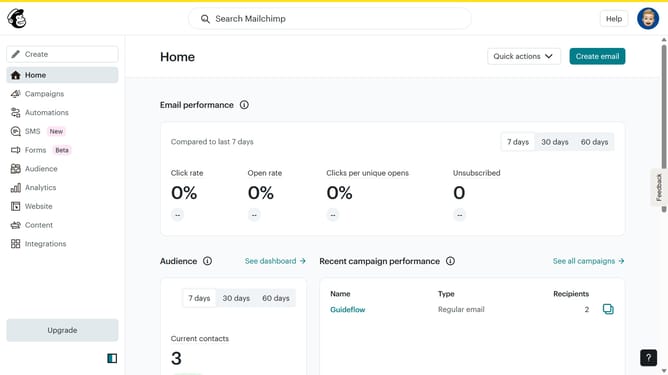
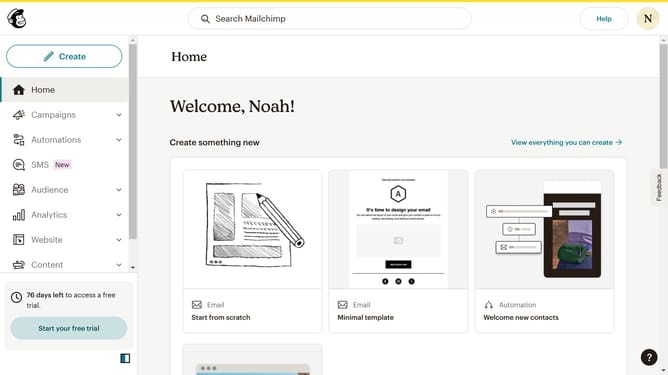
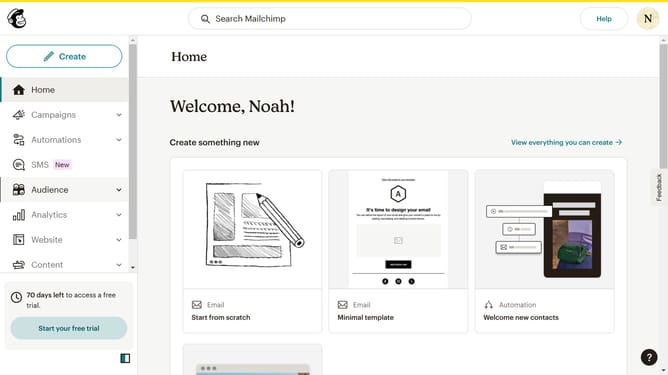
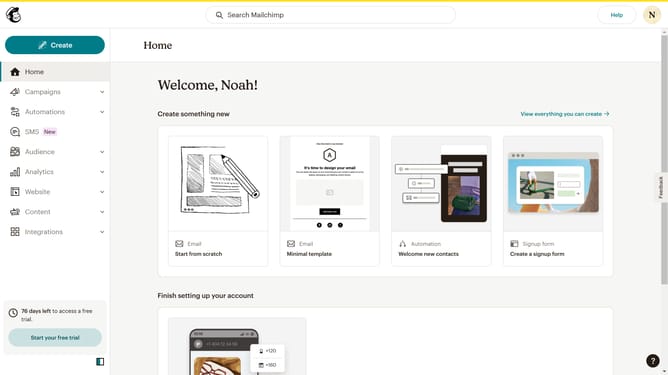
- First click on "Campaigns" in the left sidebar menu
- Next click on the "Calendar" tab in the view selector
- Then click on the "Clear" button in the filter options area
- Finally click on the "Today" button in the calendar navigation
Why should you browse campaigns in calendar form in Mailchimp
Mailchimp is a versatile marketing platform designed to streamline your email campaigns and audience engagement.
One of its standout features is the ability to browse your campaigns in a calendar format. This feature provides a visual timeline of your email marketing activities, allowing you to effortlessly track and organize your campaigns over time.
By viewing campaigns in a calendar, you can easily spot patterns, strategically time your communications, and enhance planning efficiency. Ultimately, this grants you greater control and insight into your marketing efforts, ensuring consistent and well-timed messaging to your audience.
Last update