How to insert a survey block in an email in Mailchimp
Here is how to insert a survey block in an email in mailchimp
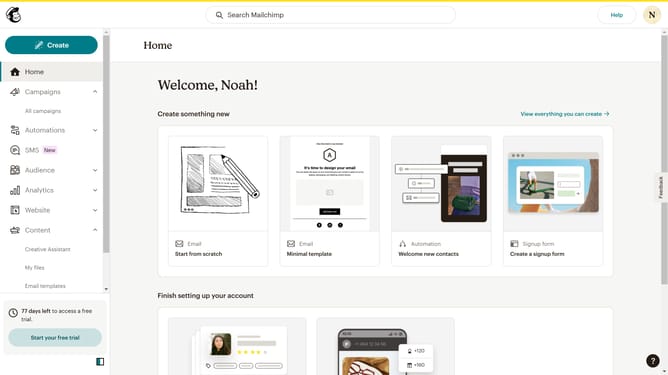
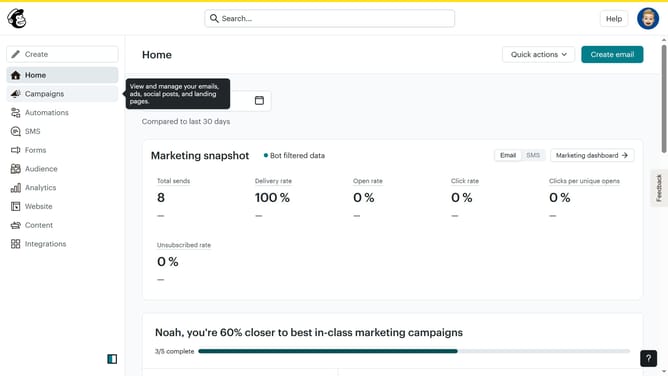
- First click on the "Campaigns" menu item in the left sidebar
- Then click on the "Edit" button next to the Testing Email campaign
- Next click on the "Edit design" button in the email preview panel
- Next click on the "Survey" block in the left sidebar blocks menu
- Then click on the "Select a survey" dropdown in the survey settings panel
- Finally select "Guideflow Demos" from the published surveys list
Why should you insert a survey block in an email in Mailchimp
Mailchimp is an intuitive marketing platform designed to help you connect with your audience effortlessly.
Inserting a survey block in an email with Mailchimp is a seamless way to engage with recipients and gather valuable feedback.
Using this feature allows you to fine-tune your email campaigns based on what your audience really thinks, making your messages more targeted and effective.
By integrating surveys directly into your emails, you boost interaction rates and make data collection a smooth, unobtrusive part of your communication strategy.
Last update