How to delete question block on a survey in Mailchimp
Here is how to delete question block on a survey in mailchimp
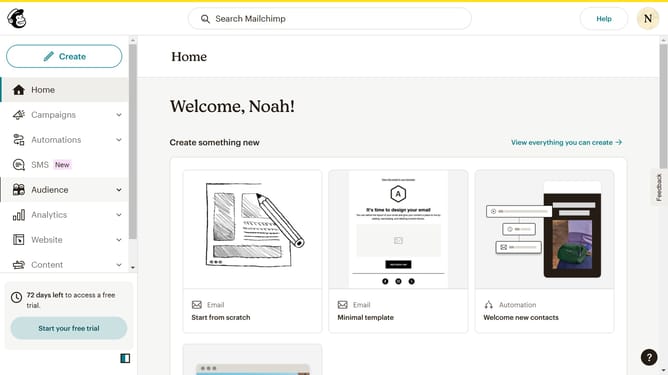
- First click on "Audience" item in the left sidebar menu
- Then click on "Surveys" link in the expanded Audience menu
- Next click on "Create new survey" button in the top right corner
- Then click on the survey name input field
- Next enter "Sample Survey" in the survey name field
- Then click on the Audience dropdown menu
- Next click on "Begin" button to start creating the survey
- Next click the plus icon button in the central section of the page to add a new question
- Then click on the "Introduction" option from the question types menu
- Finally click the "Delete question" button in the right sidebar to remove the selected question
Why should you delete question block on a survey in Mailchimp
Mailchimp is a versatile marketing platform designed to help businesses reach their audiences strategically and effectively.
One of its user-friendly features allows you to easily delete a question block on a survey. This ensures that your surveys remain relevant and engaging for your respondents.
Removing unnecessary questions can streamline the survey process, enhancing response rates and data quality, which in turn helps businesses gather precise insights.
This feature contributes to maintaining focus in your surveys and optimizing the user experience.
Last update