How to duplicate a question on a survey in Mailchimp
Here is how to duplicate a question on a survey in mailchimp
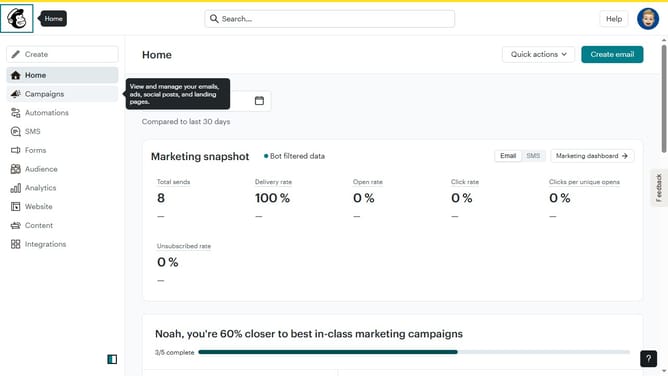
- First click on "Audience" item in the left sidebar menu
- Then click on "Surveys" link in the expanded Audience menu
- Next click on "Create new survey" button in the top right corner
- Then click on the survey name input field
- Next enter "Sample Survey" in the survey name field
- Then click on the Audience dropdown menu
- Next click on "Begin" button to start creating the survey
- First click the plus icon button in the central section of the page to add a new question
- Then click on the "Introduction" option from the question types menu
- Finally click the "Duplicate question" button in the right sidebar to create a copy of the current question
Why should you duplicate a question on a survey in Mailchimp
Mailchimp is a versatile platform designed to enhance your marketing efforts with ease.
Duplicating a question on a survey in Mailchimp is a simple feature that can save you time and ensure consistency across your surveys. This functionality allows you to replicate existing questions, preserving the format and structure, which is particularly beneficial if you need to ask the same question across multiple sections.
By using this feature, you maintain uniformity and reduce the chance of errors, streamlining the survey creation process. It is an efficient tool that enhances productivity in managing surveys.
Last update