How to create a free landing page with Mailchimp
Here is how to create a free landing page with mailchimp
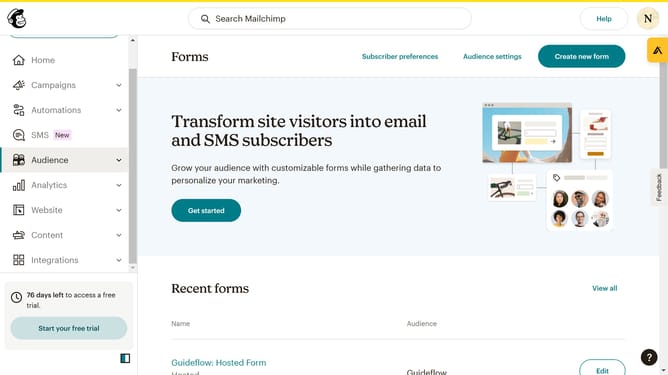
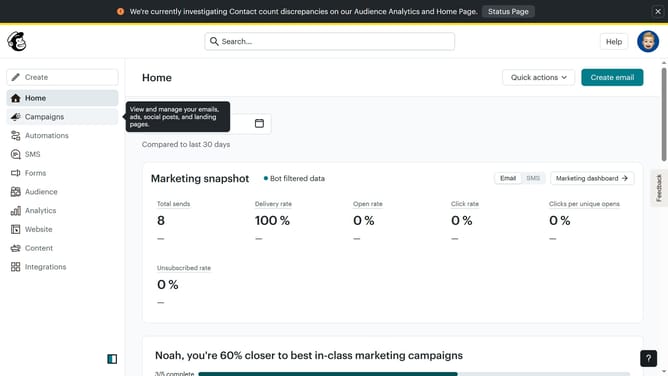
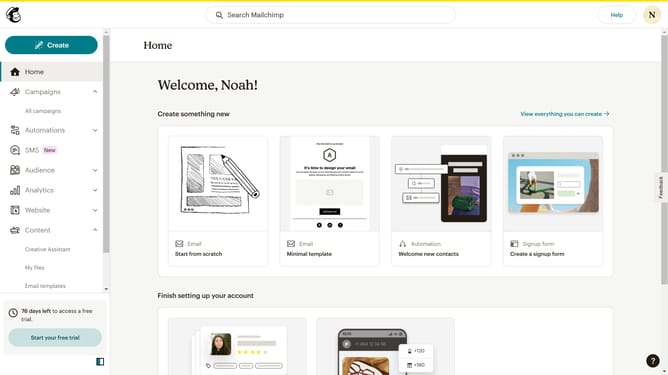
- First click on the "Create" button in the top menu
- Then click on "Landing Page" option in the left sidebar
- Next click in the landing page name text field to enter your page name
- Click the "Begin" button to start creating the landing page
- Pick a template for your landing page and design it
- You can edit your landing page by using the different tools located here
- Click the "Save & Close" button in the bottom right corner
- Finally click the "Publish" button in the top right corner
Why should you create a free landing page with Mailchimp
Mailchimp is a versatile marketing platform designed to help businesses seamlessly connect with their audience.
Creating a free landing page with Mailchimp is a simple process that leverages its intuitive tools to build engaging, brand-focused pages. This feature empowers users to capture leads without any technical expertise.
The benefit of using Mailchimp’s landing page feature lies in its ability to easily customize and launch a professional-looking page, enhancing online presence and driving growth efficiently.
Last update