How to include holidays to your calendar in Mailchimp
Here is how to include holidays to your calendar in mailchimp
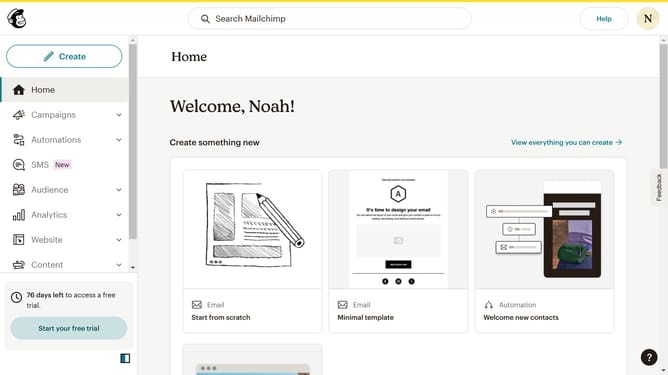
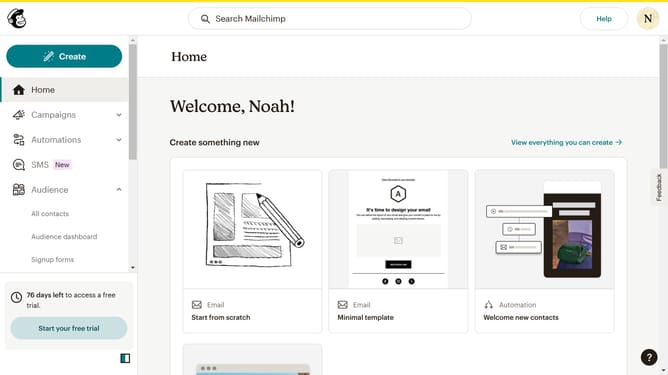
- First click on "Campaigns" in the left sidebar menu
- Next click on the "Calendar" tab in the view toggle section
- Then click on the "Holidays" dropdown in the top menu bar
- Next click on the "Add holidays" button in the holidays menu
- Click on the country selection dropdown in the Edit national holidays modal
- Type in the country search field and select the country that pops out
- Next type in the country search field again and select the country to apply multiple holidays
- Finally click the "Save" button in the Edit national holidays modal
Why should you include holidays to your calendar in Mailchimp
Mailchimp is a powerful platform designed to simplify your email marketing and audience engagement strategies.
Including holidays in your Mailchimp calendar helps streamline your marketing efforts by ensuring that your campaigns align with important dates.
This feature not only keeps your schedule organized but also enhances your planning efficiency, allowing you to engage your audience effectively during peak times.
By integrating holidays into your calendar, you can stay ahead of important events, maximizing your outreach potential and optimizing your marketing strategies.
Last update