How to change the type of question block in a survey in Mailchimp
Here is how to change the type of question block in a survey in mailchimp
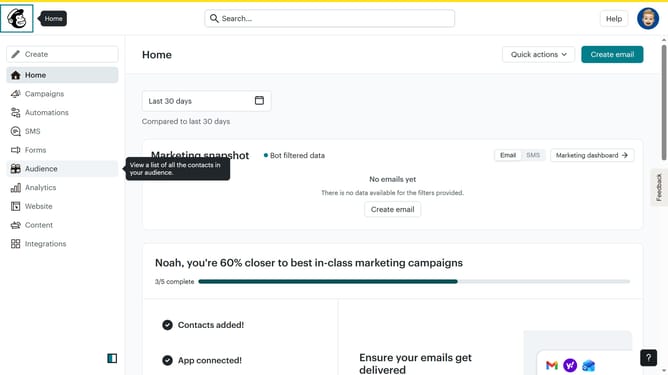
- First click on "Audience" in the left sidebar
- Then click on "Surveys" in the left sidebar
- Then click on "View all" button
- Next click on the dropdown arrow next to "View results" of the survey you want to manage
- Then click on "Edit" option
- Then click on the question that you want to change
- Next click on the "Selection type" dropdown
- Then click on the "Continue to design" button
- Then click on the "Review" button
- Finally click on the "Continue" button
Why should you change the type of question block in a survey in Mailchimp
Mailchimp is a versatile platform that empowers businesses to connect with their audience through effective marketing solutions.
The ability to change the type of question block in a survey in Mailchimp enhances the flexibility of data collection, allowing you to tailor your surveys to best fit your audience's preferences and your data needs.
Utilizing this feature ensures that you gather the most relevant insights, promoting informed decision-making and more personalized customer engagement. This adaptability not only saves time but also elevates the quality of feedback received.
Last update