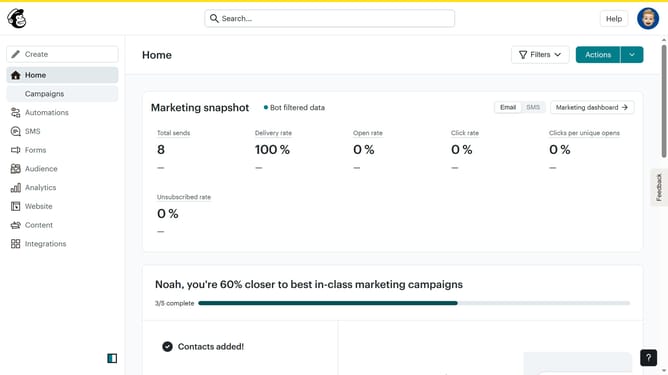
How to change the template of a campaign in Mailchimp
Here is how to change the template of a campaign in mailchimp
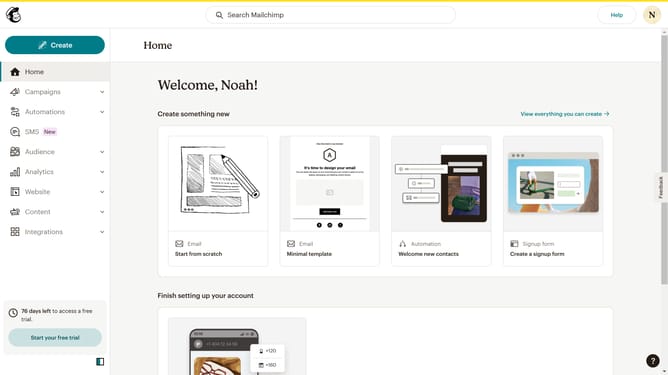
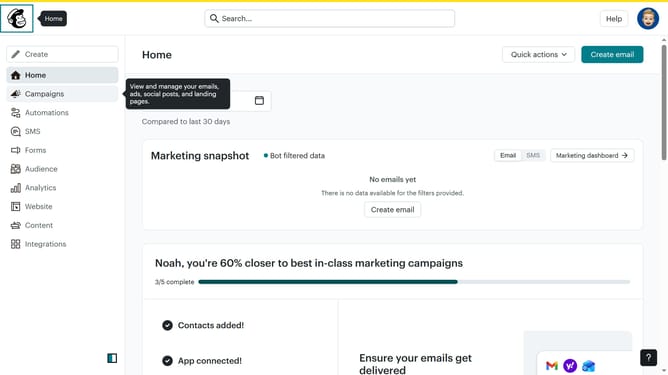
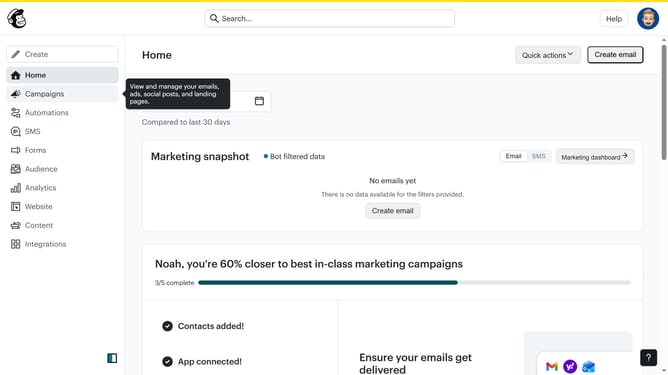
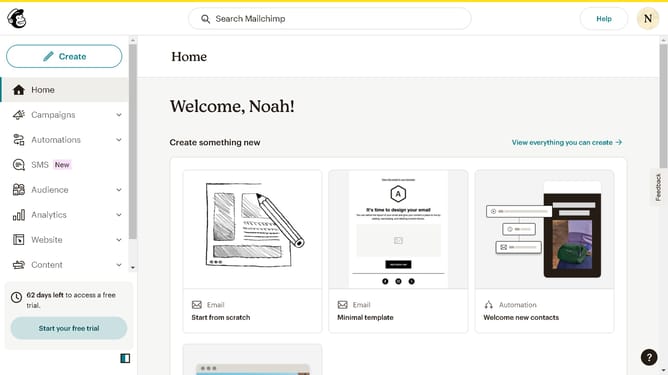
- First click on "Campaigns" item in the left sidebar menu
- Then click on the "WIP" campaign name in the campaigns list
- Next click on the "Edit design" button in the email preview section
- Next click on the "Save and exit" dropdown button in the top-right corner of the editor
- Then click on "Change template" option in the top toolbar
- Next click on "Apply" button on the selected template
- Then click on "Continue with existing content" button in the template change modal
- Finally click on "Save and exit" button in the top-right corner of the header
Why should you change the template of a campaign in Mailchimp
Mailchimp, a powerful email marketing platform, empowers businesses to craft personalized and effective campaigns.
One standout feature is its ability to change the template of a campaign seamlessly. This allows users to refresh their email designs, ensuring that each message aligns with their evolving brand and seasonal promotions.
By utilizing this feature, businesses can maintain a consistent and engaging connection with their audience, adapting to various marketing strategies swiftly. This flexibility in design fosters creativity and enhances the overall impact of each campaign.
Last update