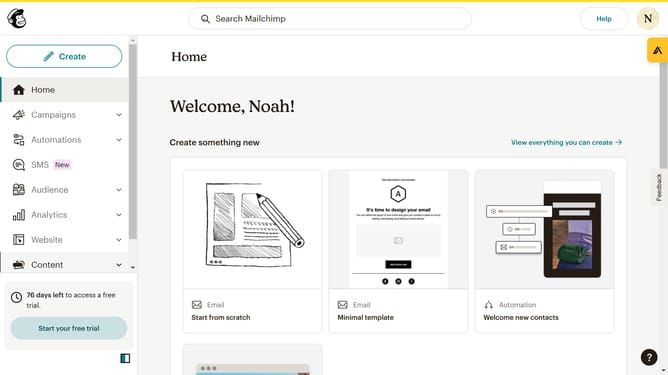
How to change filter campaigns to SMS in Mailchimp
Here is how to change filter campaigns to sms in mailchimp
- First click on the "Campaign" button in the left sidebar navigation menu
- Then click on the "Type" dropdown filter in the campaign list header
- Finally select "SMS" option from the Type dropdown menu
Why should you change filter campaigns to SMS in Mailchimp
Mailchimp is a powerful tool that helps businesses seamlessly manage and amplify their marketing campaigns.
Switching filter campaigns to SMS in Mailchimp allows for more direct customer engagement.
Transitioning to SMS campaigns enhances immediate communication, ensuring your messages reach audiences with higher open and response rates.
Utilizing SMS, you foster stronger customer connections by delivering timely, relevant information right to their fingertips.
Last update