How to copy a Mailchimp campaign to another account
Here is how to copy a mailchimp campaign to another account
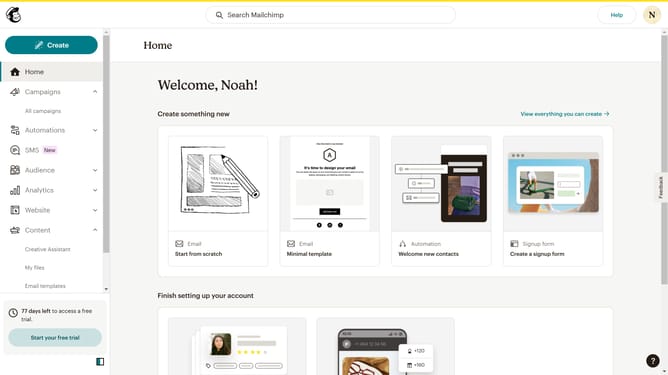
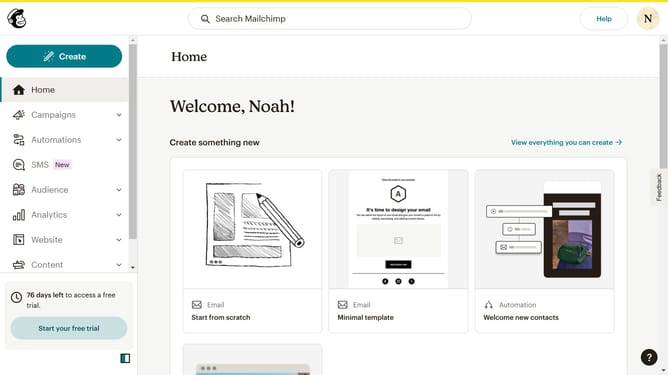
- First, click on the "Content" item in the left sidebar
- Then click on the "Email templates" option in the expanded Content menu
- In the templates view, click on the dropdown menu button next to "Edit" for your choice of template and click on "Share"
- The "Share by email" option allows you to email the template's link to any valid email address.
- Enter the email addresses you wish to send the template to then click "Share Template"
- The "Share by URL" option displays the URL for this template
- Copy and share this URL to anyone you want to share the template with
Why should you copy a Mailchimp campaign to another account
Mailchimp is a powerful marketing platform designed to help businesses effortlessly create, send, and analyze email campaigns.
With its feature to copy a campaign to another account, Mailchimp streamlines your workflow, saving valuable time and reducing repetitive tasks.
This functionality supports brand consistency, ensuring that successful campaigns can be easily replicated across various accounts or clients. It promotes collaboration by enabling team members to access and utilize effective marketing strategies without starting from scratch.
Last update