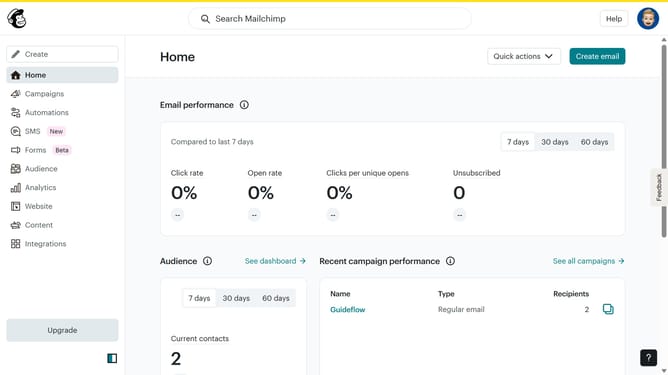
How to access archived contacts in Mailchimp
Here is how to access archived contacts in mailchimp
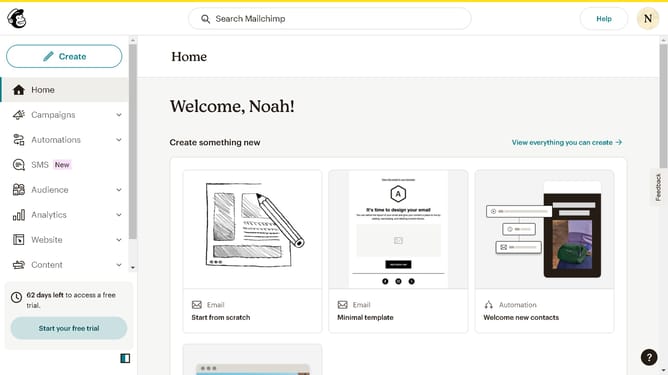
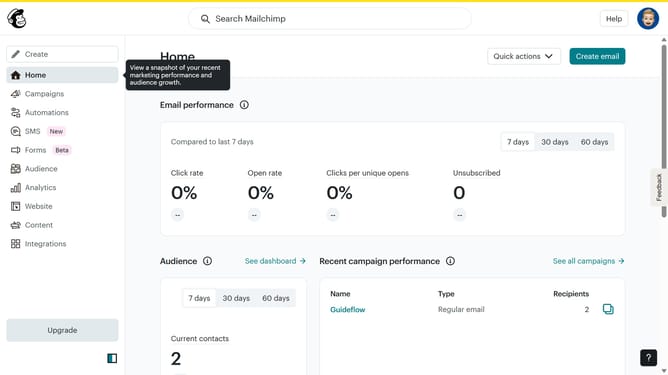
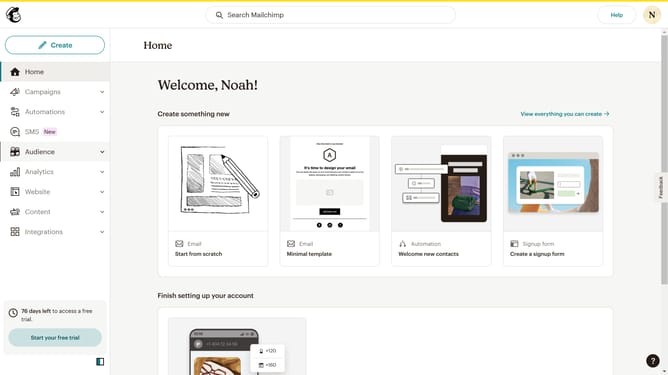
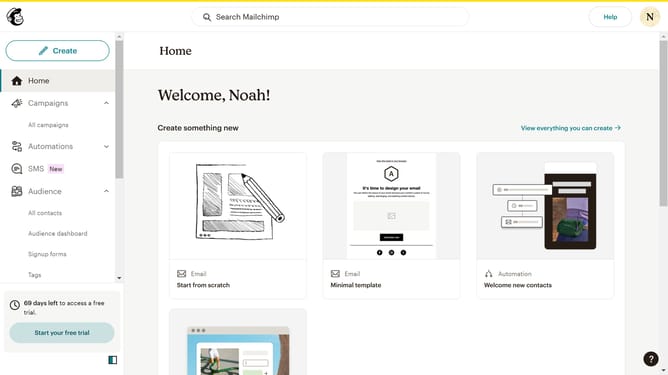
- First click on the "Audience" option in the left sidebar navigation menu
- Click on the "More options" dropdown button in the top-right corner of the contacts page
- Select "Archived contacts" from the dropdown menu options
- Finally click on the "Exit archive" button in the top-right corner of the archived contacts page
Why should you access archived contacts in Mailchimp
Mailchimp is a versatile platform designed for seamless email marketing and automation.
Accessing archived contacts in Mailchimp is a straightforward task that helps manage subscriber lists efficiently.
This feature allows you to restore or review past contacts, ensuring no valuable connections are overlooked. By revisiting archived contacts, businesses can re-engage with previously interacted subscribers, potentially rekindling interest and boosting engagement.
Harnessing this functionality ensures a dynamic and adaptable contact management strategy.
Last update