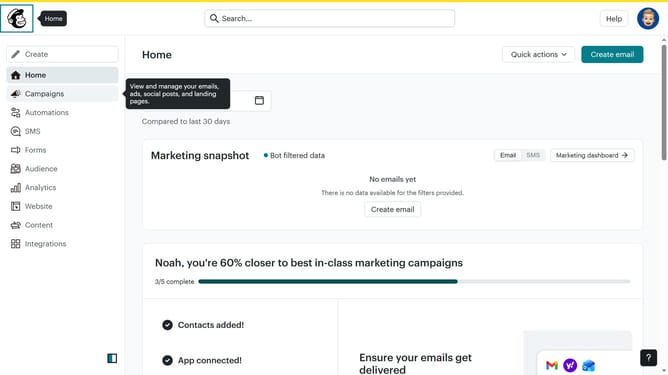
How to create an automation from scratch in Mailchimp
Here is how to create an automation from scratch in mailchimp
- First click on the "Automations" option in the left sidebar menu
- Then click on "Build from scratch" button in the top right of the screen
- Next enter "New flow" in the flow name input field
- After that click on "Choose a starting point" button in the flow details section
- Finally select "Sent an email" option from the list of starting points in the popup menu
Why should you create an automation from scratch in Mailchimp
Mailchimp is a powerful platform designed to simplify your email marketing efforts.
Creating an automation from scratch in Mailchimp allows you to tailor workflows to your specific needs, optimizing communication with your audience effortlessly. This feature empowers you to set up triggers and actions, resulting in timely and relevant messages.
Utilizing these custom automations can significantly improve your engagement rates, save time, and enhance customer relationships by delivering personalized experiences.
Last update