How to filter your campaigns to landing page in Mailchimp
Here is how to filter your campaigns to landing page in mailchimp
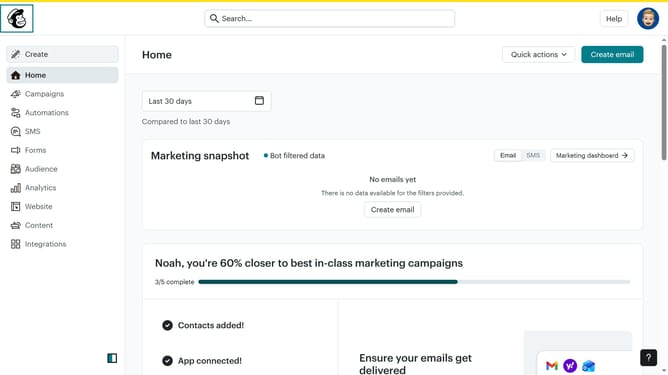
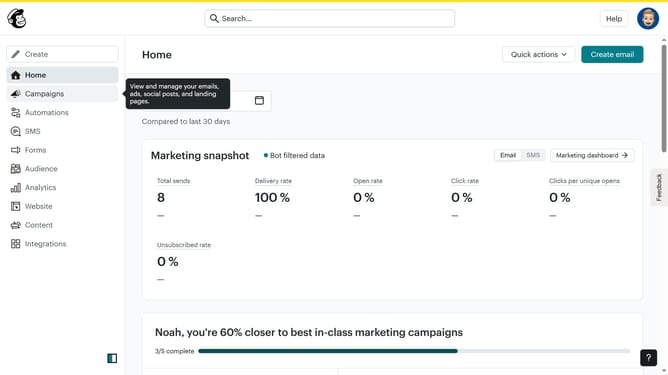
- First click on the "Campaign" button in the left sidebar navigation menu
- Then click on the "Type" dropdown filter in the campaign list header
- Finally select "Landing page" option from the Type dropdown menu
Why should you filter your campaigns to landing page in Mailchimp
Mailchimp is a powerful platform designed to simplify email marketing and help businesses grow their audience.
The ability to filter your campaigns by landing page in Mailchimp allows you to streamline your strategy by focusing on specific goals or audiences.
This feature provides clarity in analyzing which content drives the most engagement, enabling more effective decision-making.
Ultimately, leveraging these insights helps tailor your marketing efforts and enhances overall campaign performance, saving time and maximizing impact.
Last update