How to open a survey in Mailchimp
Here is how to open a survey in mailchimp
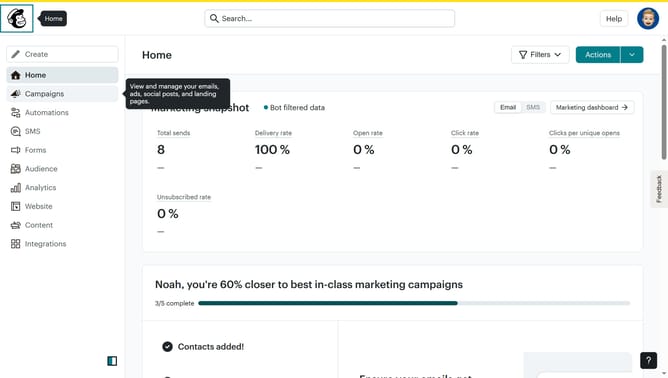
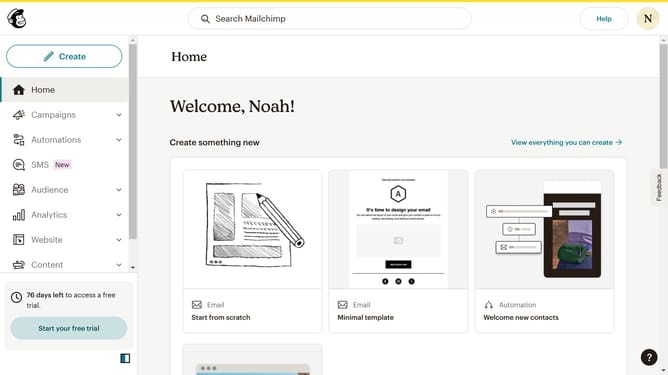
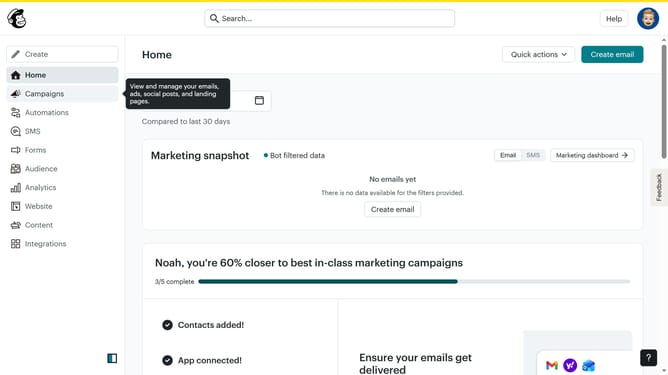
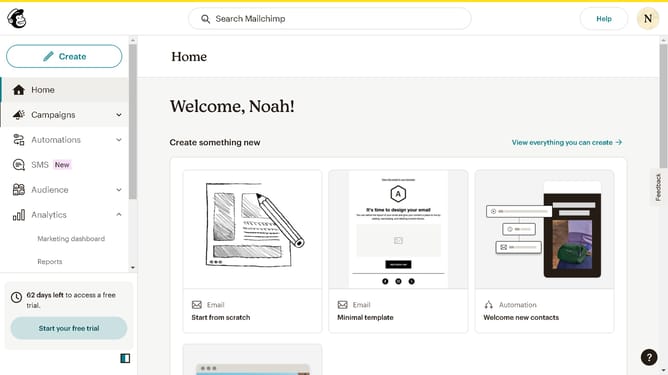
- First click on "Audience" item in the left sidebar menu
- Then click on "Surveys" link in the expanded Audience menu
- Next click on the dropdown menu button next to the survey item
- From the expanded dropdown menu, select the "Open" option
Why should you open a survey in Mailchimp
Mailchimp is a powerful platform designed to simplify marketing by integrating email campaigns, audience management, and analytics in one place.
Opening a survey in Mailchimp is a straightforward feature that helps you gather valuable feedback from your audience effortlessly.
By utilizing this feature, businesses can understand customer needs, enhance service delivery, and ultimately boost engagement and satisfaction.
The ease of accessing surveys through Mailchimp makes it an ideal tool for businesses looking to efficiently capture and act on audience insights.
Last update