How to view details of a survey in Mailchimp
Here is how to view details of a survey in mailchimp
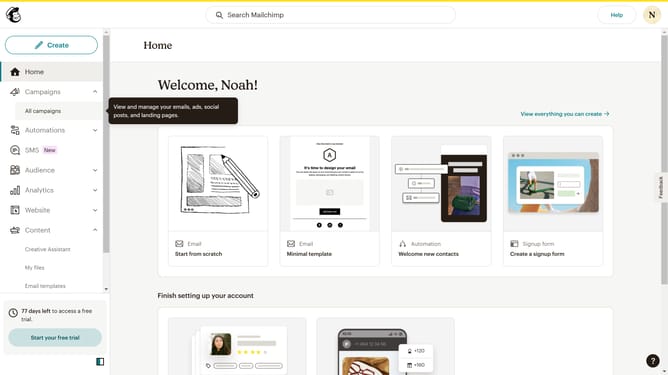
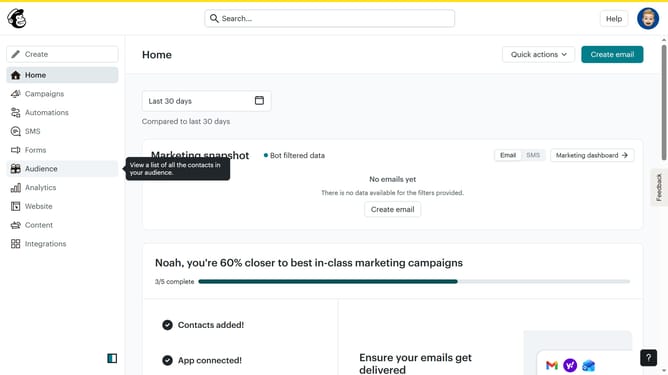
- First click on "Audience" item in the left sidebar
- Then click on "Surveys" item in the left sidebar
- Then click on "View all" button
- Then click on the dropdown arrow next to "View results"
- Finally click on "View details" button
Why should you view details of a survey in Mailchimp
Mailchimp is a powerful marketing platform designed to help businesses build and manage their customer relationships through email.
Viewing survey details in Mailchimp allows users to quickly assess the responses gathered from their audience. This feature provides insights into customer preferences and behaviors, enabling businesses to tailor their strategies effectively.
By understanding survey data, companies can enhance their communication efforts, offering more personalized and relevant content to their audience, thus fostering deeper customer engagement.
Ultimately, having easy access to survey details supports informed decision-making, ensuring marketing campaigns are well-aligned with customer needs and expectations.
Last update