How to create your facebook social card in Mailchimp
Here is how to create your facebook social card in mailchimp
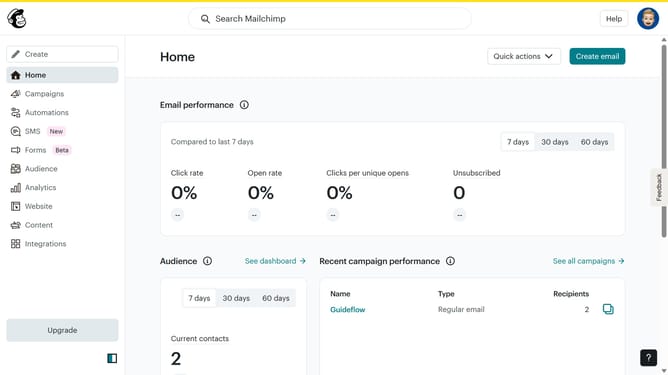
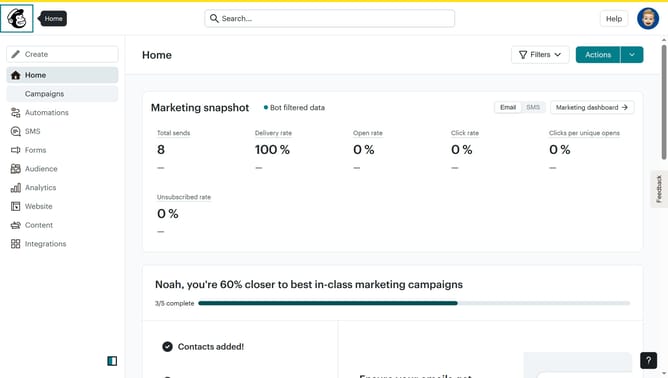
- First click on the "Campaigns" item in the left sidebar menu
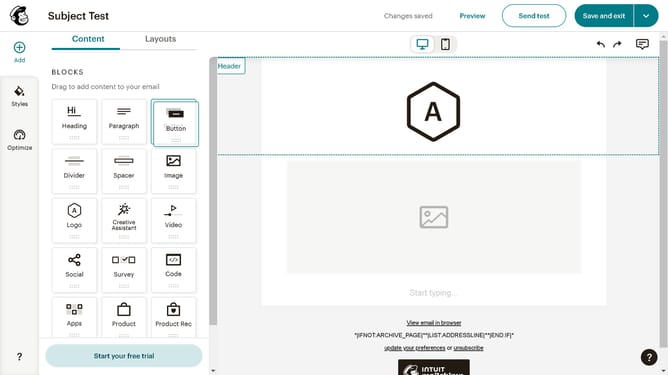
- Then click on "Plain Text Email" in the campaigns list
- Click on "Preview and Test" dropdown button in the top navigation bar
- Select "Social Cards" option from the preview dropdown menu
- Click on "Facebook" tab in the social cards preview window
- Click "Upload an image" link in the Featured Image section
- Select the app icon image from the Content Studio library
- Click the "Move To" button in the top toolbar
- Click and enter the Title of your social account in the input text field
- Click and type the description of your image in the description text field
- Finally, click the "Save & Close" button to save the social card settings
Why should you create your facebook social card in Mailchimp
Mailchimp is a powerful marketing platform designed to help businesses easily create, deploy, and analyze campaigns.
Creating your Facebook social card in Mailchimp is an effective way to ensure your posts stand out when shared on social media. This feature optimizes your content's appearance, enhancing engagement and promoting better audience interaction.
By customizing your social card with appealing images and precise text, you can attract more clicks and impressions. Overall, it enriches your brand's online presence, paving the way for successful marketing efforts.
Last update