How to view contacts by their audience tag in Mailchimp
Here is how to view contacts by their audience tag in mailchimp
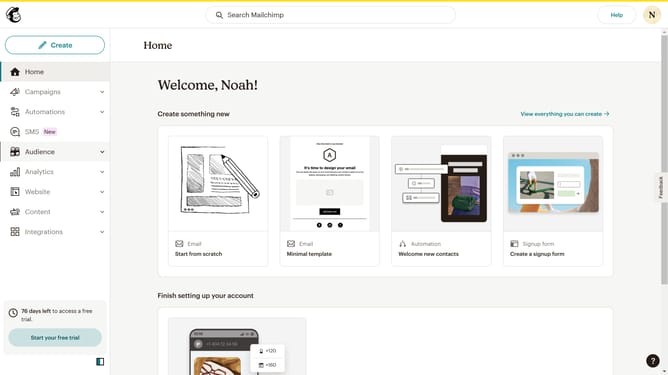
- First click on the "Audience" item in the left sidebar menu
- Then click on "Tags" in the expanded Audience submenu
- Next click on the "View" dropdown button next to the "Newsletter;VIP" tag
- Finally click and drag on the scroll bar button in the contacts list
Why should you view contacts by their audience tag in Mailchimp
Mailchimp is a powerful marketing platform designed to help businesses streamline their communication and grow their audience.
Viewing contacts by their audience tag in Mailchimp is a vital feature that enables marketers to effectively segment their contacts. This feature enhances the ability to target specific groups, ensuring your message reaches the right people at the right time.
Utilizing audience tags empowers businesses to personalize communication, improving engagement rates and fostering stronger connections with customers. By understanding your audience segments, your marketing efforts become more precise and impactful.
Last update