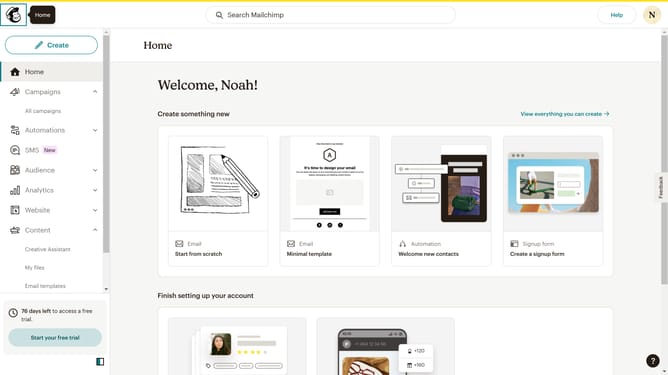
How to filter campaigns to social post in Mailchimp
Here is how to filter campaigns to social post in mailchimp
- First click on the "Campaign" button in the left sidebar navigation menu
- Then click on the "Type" dropdown filter in the campaign list header
- Finally select "Social post" option from the Type dropdown menu
Why should you filter campaigns to social post in Mailchimp
Mailchimp is a versatile platform designed to streamline your marketing efforts by combining campaign creation with automation tools.
The feature of filtering campaigns to social posts adds a layer of precision to your marketing strategy. By focusing your attention on specific segments, you can ensure that your content reaches the ideal audience on social media platforms effortlessly.
This capability allows businesses to tailor their outreach, enhancing engagement and driving meaningful interactions. In turn, it offers a more efficient way to maximize your brand's visibility and influence online.
Last update