How to change paragraph font of an email campaign in Mailchimp
Here is how to change paragraph font of an email campaign in mailchimp
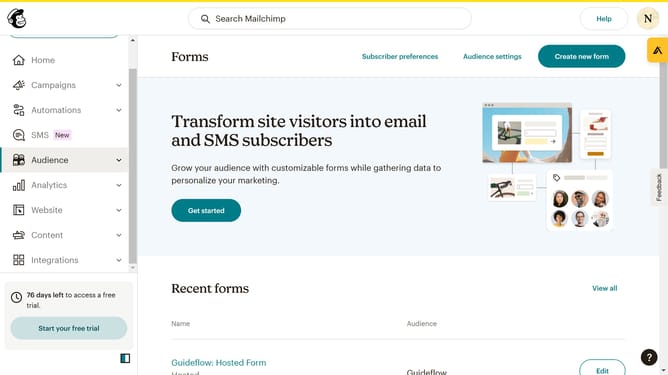
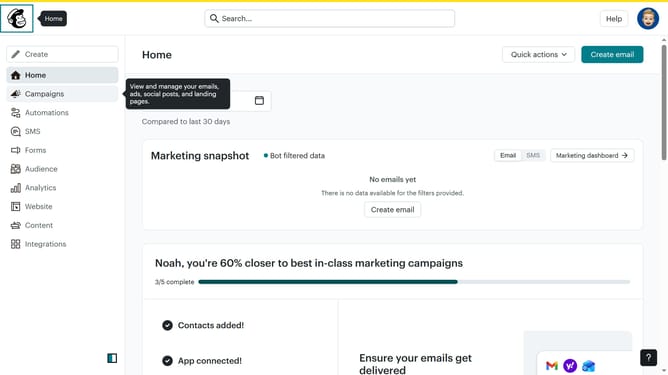
- First click on "Home" item in the left sidebar
- Then click on "Edit" button
- Then click on "Edit design" button
- Then click on "Styles" item in the left sidebar
- Then click on "Text" item in the left sidebar
- Then click on "Font" dropdown
- Finally select your preferred font
Why should you change paragraph font of an email campaign in Mailchimp
Mailchimp is a dynamic platform designed to empower businesses in crafting engaging email campaigns.
One of its standout features is the ability to change the paragraph font in email campaigns. This allows users to fine-tune their message’s readability and aesthetic appeal, ensuring that the email's content is both captivating and easy to digest.
Customizing fonts helps set the tone and personality of the campaign, aligning visual elements with brand identity, while also enhancing user engagement and communication clarity.
Last update