How to add a website on your profile in Mailchimp
Here is how to add a website on your profile in mailchimp
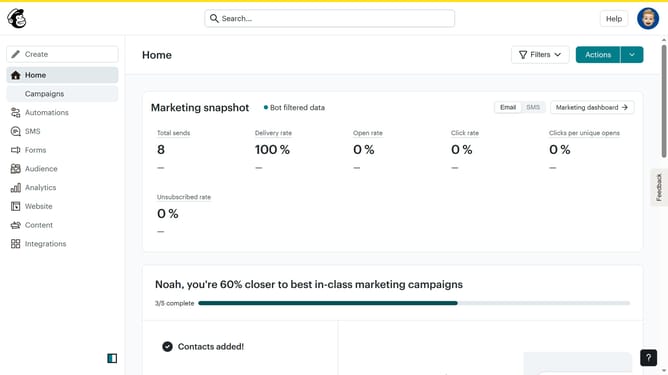
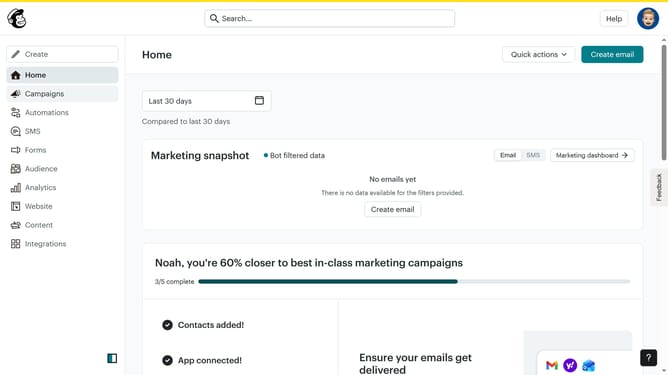
- First click on the user avatar icon in the top-right corner of the header
- Then select "Profile" option from the dropdown menu
- In the profile form, click on the website field and modify it to your preferred website link
- Finally click the "Update" button at the bottom of the Basic Information form to save your changes
Why should you add a website on your profile in Mailchimp
Mailchimp is a leading email marketing platform that empowers businesses to effectively connect with their audiences.
Adding a website to your Mailchimp profile enhances your branding presence. It makes it easier for your recipients to find and explore your online identity, increasing engagement and the potential for conversions.
By showcasing your website on your Mailchimp profile, you create a seamless bridge between your email communications and your online content, offering your audience a cohesive brand experience.
This feature not only optimizes your visibility but also allows for a streamlined marketing approach, enhancing your credibility and reach.
Last update