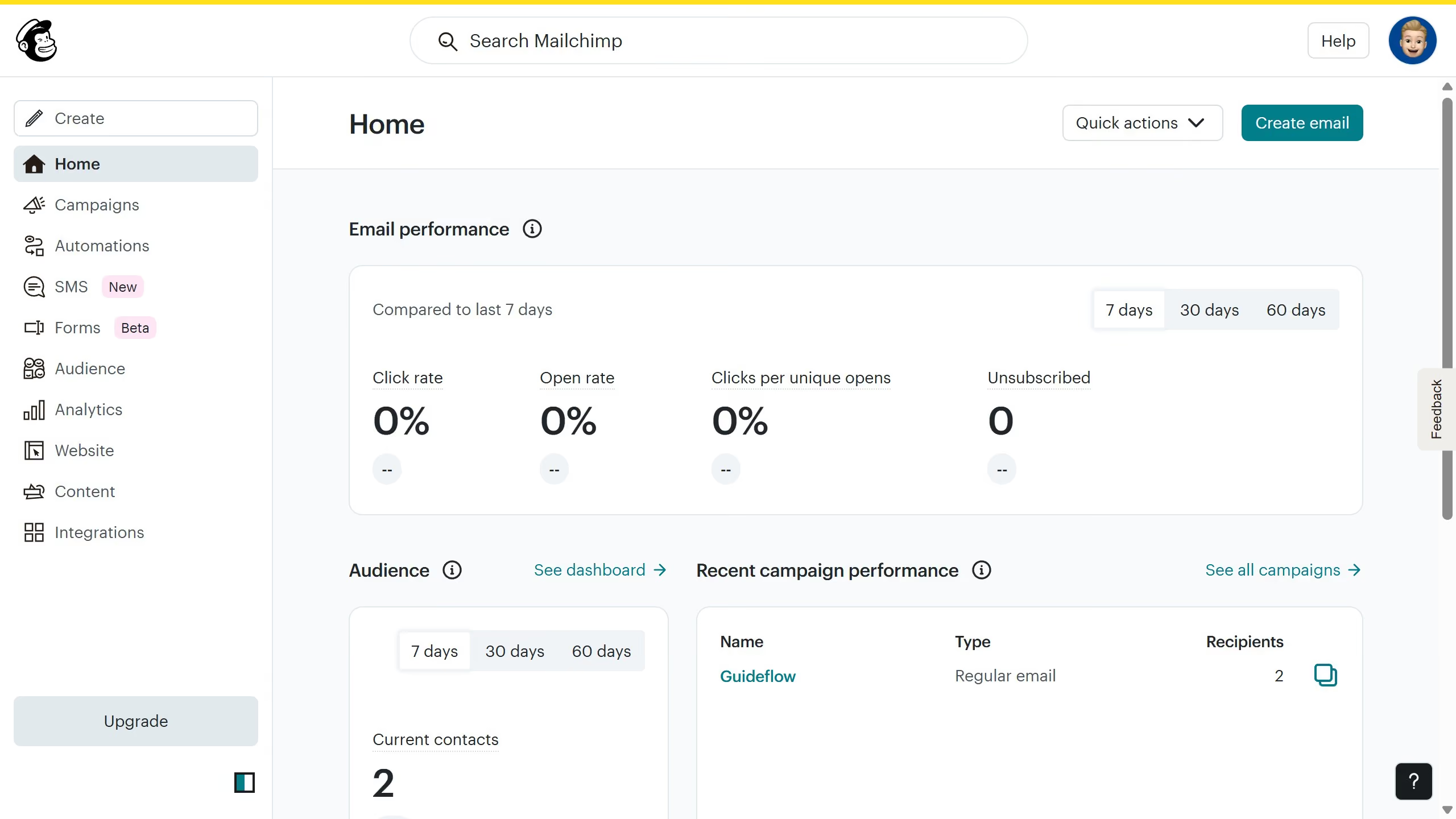
Here is how to clear all filters on campaigns in mailchimp
- First click on the "Campaign" button in the left sidebar navigation menu
- Click on the "Clear" button in the filters section to reset all campaign filters


Create your own interactive guide with Guideflow
Mailchimp is a versatile marketing platform designed to empower businesses with easy email campaign management.
Efficiently managing your campaigns means sometimes you need a fresh start, and clearing filters provides that clean slate. This feature allows users to quickly remove previously set criteria, ensuring that all campaigns are visible without restrictions.
Using the "clear all filters" option enhances the user experience by allowing seamless navigation and better decision-making. By eliminating unnecessary complexity, users can focus more on refining campaign strategies and connecting with audiences effectively.
Streamlining your workflow ensures that you maintain complete control over your marketing efforts with ease and confidence.
Why leading companies build with Guideflow