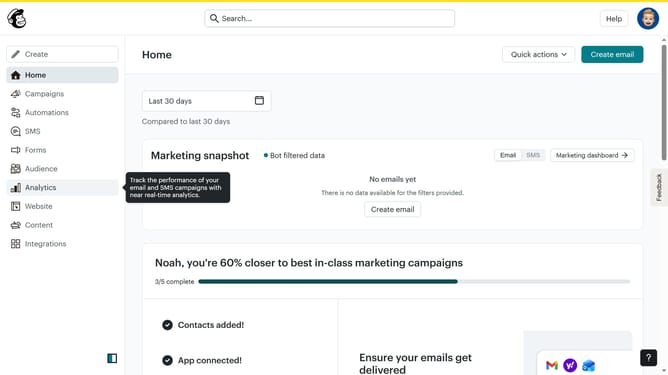
How to access contact import history in Mailchimp
Here is how to access contact import history in mailchimp
- First click on the "Audience" option in the left sidebar navigation menu
- Next click on the "More options" dropdown button in the top-right corner of the contacts page
- Then select "Import history" option from the dropdown menu
- Finally click on the "View new contacts" button next to the most recent import entry
Why should you access contact import history in Mailchimp
Mailchimp is a versatile marketing platform designed to help businesses effectively manage and engage with their audience.
Accessing contact import history in Mailchimp is a valuable feature that allows users to track and review the details of previously imported contacts.
This capability ensures that your contact management remains organized and transparent, helping you verify data accuracy and make informed marketing decisions.
Using this feature elevates your campaign strategy by allowing seamless adjustments based on past data imports.
Last update