How to input a survey on an email in Mailchimp
Here is how to input a survey on an email in mailchimp
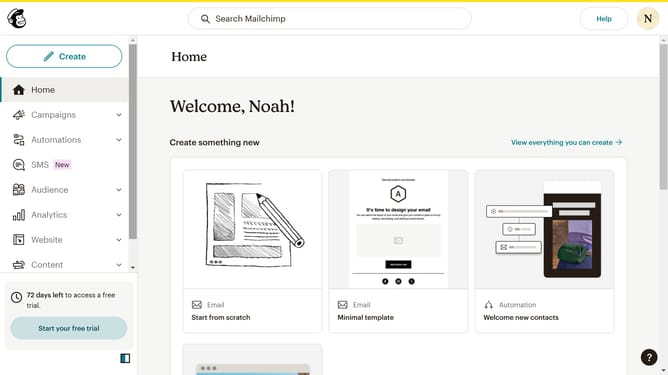
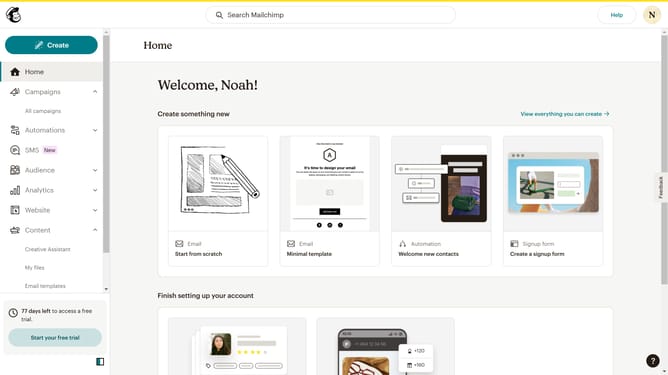
- First click on "Audience" item in the left sidebar menu
- Then click on "Surveys" link in the expanded Audience menu
- Next click on the "Testing Survey" link in the main content area under Recent surveys section
- Then click on "Go to survey details" button in the top navigation bar
- Finally click on "Create a new email" option in the Share your survey section
Why should you input a survey on an email in Mailchimp
Mailchimp is a versatile platform designed to streamline email marketing with powerful tools.
Adding a survey directly into an email using Mailchimp is a game-changer for businesses. It allows you to gather valuable insights seamlessly within your regular communications. This feature enhances engagement by providing a straightforward way for recipients to offer feedback without leaving their inbox.
By embedding surveys, you can easily capture data, refine your strategies, and ultimately improve customer satisfaction, making it a smart choice for any marketing campaign.
Last update