How to add a profile picture in Mailchimp
Here is how to add a profile picture in mailchimp
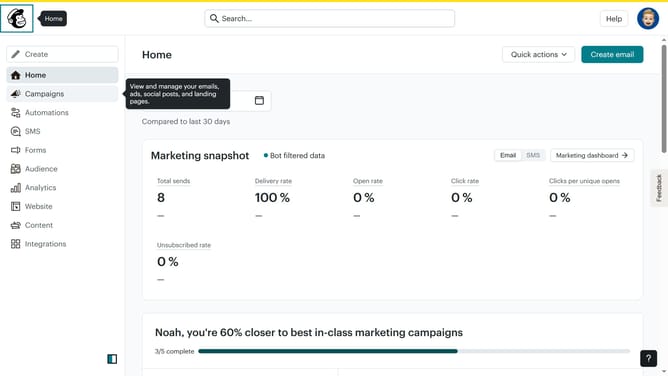
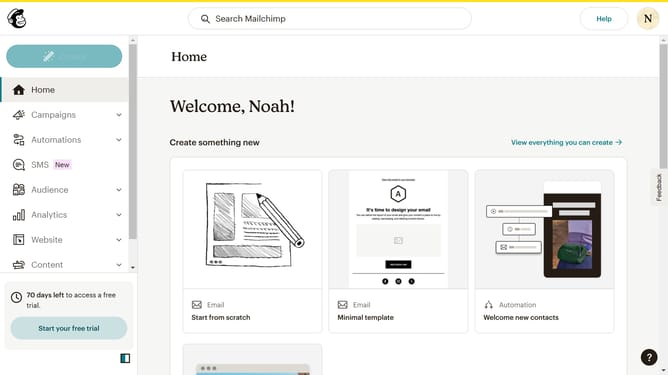
- First click on the account avatar in the top-right corner of the header
- Then click on the "Profile" option in the dropdown menu
- Finally click on the "Upload Photo" button in the profile photo section to input a picture
Why should you add a profile picture in Mailchimp
Mailchimp is a powerful online platform that simplifies the creation and management of marketing campaigns for businesses of all sizes.
Adding a profile picture in Mailchimp personalizes your account, making it easily identifiable and more professional. As a visual representation of your brand or persona, it enhances your credibility and fosters trust with your audience.
A clear, relevant profile picture also facilitates seamless communication within your team. This feature streamlines collaboration, as it enables team members to quickly recognize and connect with one another.
Last update