How to change the button inside text to bold in an email campaign in Mailchimp
Here is how to change the button inside text to bold in an email campaign in mailchimp
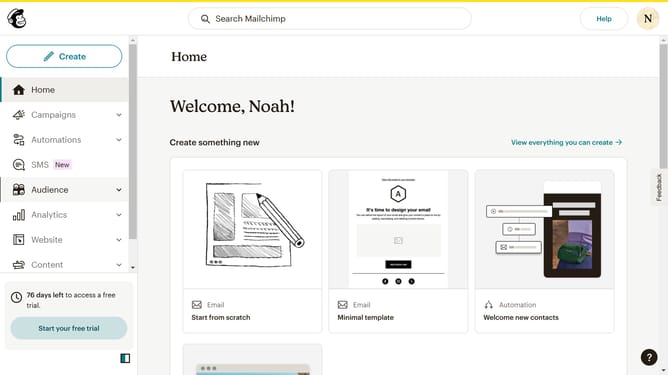
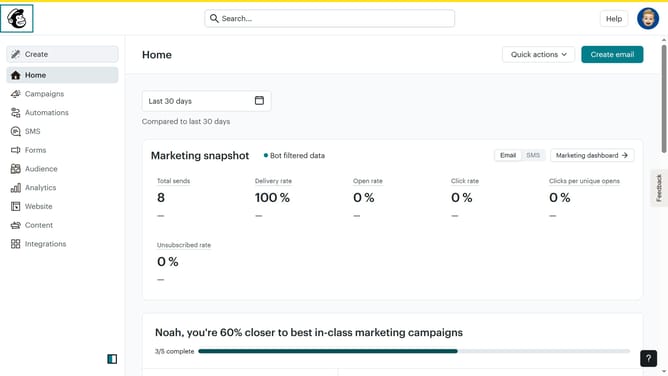
- First, click on "Home" in the left sidebar
- Then, click on the "Edit" button next to the campaign title
- Next, click on the "Edit design" button at the bottom right
- On the left sidebar, click on "Styles"
- Under "Styles", click on "Button"
- Finally, click on the "B" icon to make the button text bold
Why should you change the button inside text to bold in an email campaign in Mailchimp
Mailchimp is a dynamic platform designed to streamline and enhance your email marketing campaigns.
Among its many features, the ability to bold button text within your email templates offers a crucial advantage. This distinctive formatting option ensures key elements in your campaign capture immediate attention.
Utilizing bold text in buttons can significantly improve click rates, effectively directing your audience to desired actions. This simple text enhancement adds visual weight, making your call to action bold and compelling, thus enhancing user engagement and conversion rates.
Last update