How to delete audience in Mailchimp
Here is how to delete audience in mailchimp
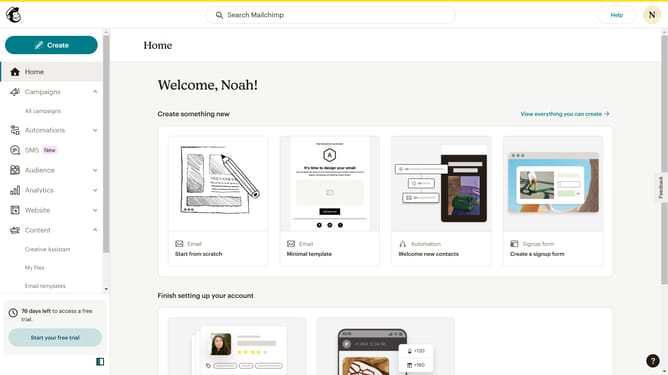
- First click on the "Audience" option in the left sidebar menu
- Then click on "All contacts" in the audience submenu
- Click on the email address in the contacts list that you want to delete
- Click on the "More actions" menu (three dots) in the top right corner of the contact profile
- Select "Remove" from the dropdown menu
- Click the "Permanently delete" radio button in the Remove Contact dialog
- Finally click on the "Permanently Delete Contact" button to confirm the removal
Why should you delete audience in Mailchimp
Mailchimp is a versatile platform designed to streamline and enhance your email marketing efforts with ease.
One of its useful features is the ability to delete an audience, helping you manage and organize your contact lists effectively.
Deleting an audience can be beneficial to declutter your list, especially when you're decluttering outdated data or refining segments for better-targeted campaigns.
By removing unnecessary contacts, you can focus on engaged audience segments, ultimately leading to enhanced marketing performance and more meaningful interactions.
Last update