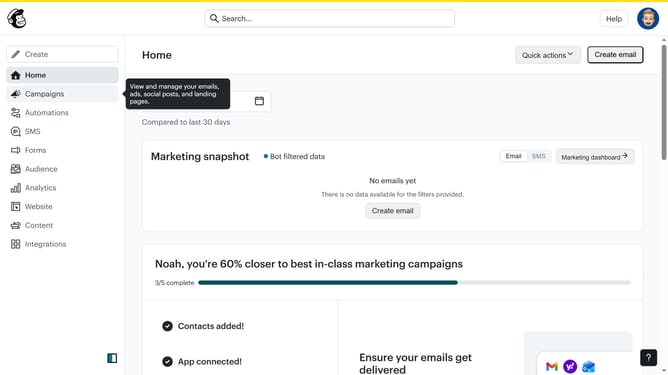
How to make copy of a subject line on a campaign in Mailchimp
Here is how to make copy of a subject line on a campaign in mailchimp
- First click on "Audience" item in the left sidebar menu
- Then click on "Surveys" link in the expanded Audience menu
- Next click on the dropdown button next to "View results" in the survey list
- Then select "Replicate" option from the dropdown menu
- Then click on the survey name field to edit the survey name
- Next click on the "Audience" dropdown field to expand the options
- Select "Guideflow" from the audience dropdown menu
- Finally click the "Begin" button to start replicating the survey
Why should you make copy of a subject line on a campaign in Mailchimp
Mailchimp is a versatile platform designed to help businesses create and manage successful email marketing campaigns.
One beneficial feature in Mailchimp is the ability to easily make a copy of a subject line from a previous campaign.
This feature allows for efficient testing and reapplication of successful elements without the need for recreating them from scratch.
By quickly duplicating effective subject lines, marketers can save time, ensure consistency, and enhance a campaign's success by leveraging past insights.
Last update