How to insert a reply on a campaign in Mailchimp
Here is how to insert a reply on a campaign in mailchimp
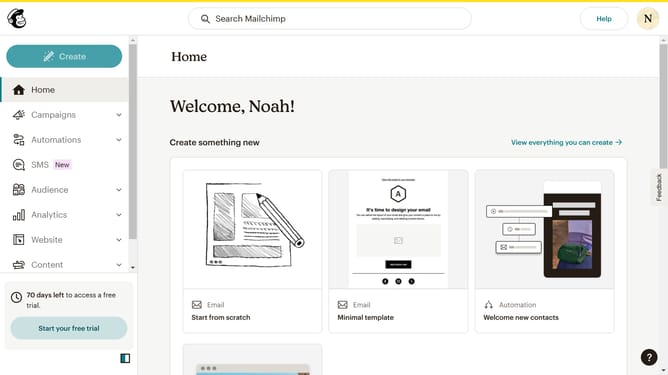
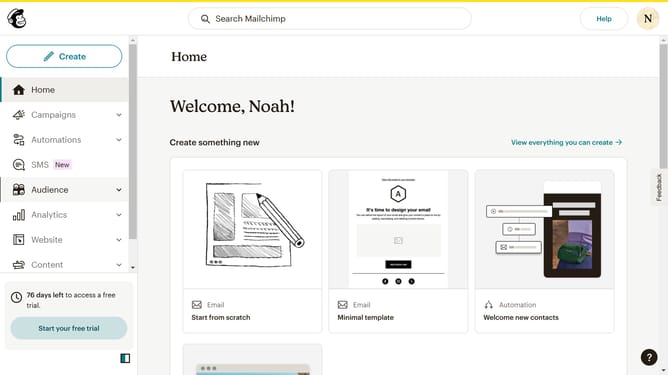
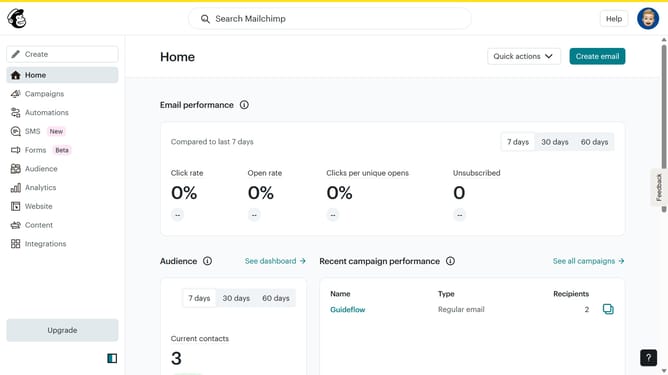
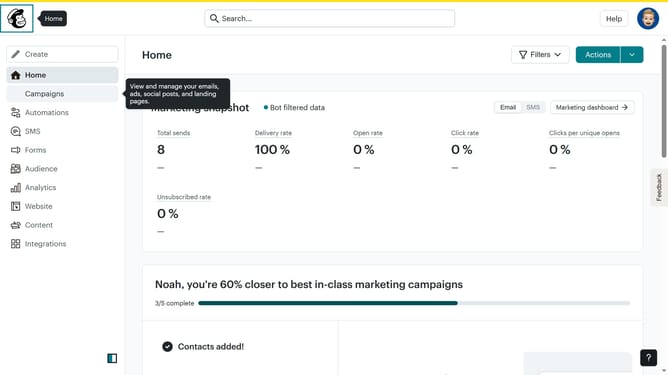
- First click on "Campaigns" in the left sidebar menu
- Then click on "WIP" campaign from the campaign list
- Next click on "Edit design" button in the email preview section
- Click on "Comment" button in the top toolbar of the email editor
- Next click on the comment in the right side of the comment section
- Then click on the "Add reply" text field in the comment section to begin typing your response
- Finally click on the "Reply" button in the bottom-right corner of the comment section to submit your reply
Why should you insert a reply on a campaign in Mailchimp
Mailchimp is a powerful marketing automation platform designed to help businesses connect with their audience in meaningful ways.
By inserting a reply on a campaign in Mailchimp, users can enhance engagement and foster more interactive communication with their subscribers.
This feature allows for seamless two-way communication, providing recipients the opportunity to respond directly to your emails, which can lead to richer insights and stronger relationships.
Utilizing this feature not only encourages audience interaction but also personalizes the communication experience, making it much more effective and engaging.
Last update