How to change filter campaigns to classic automation in Mailchimp
Here is how to change filter campaigns to classic automation in mailchimp
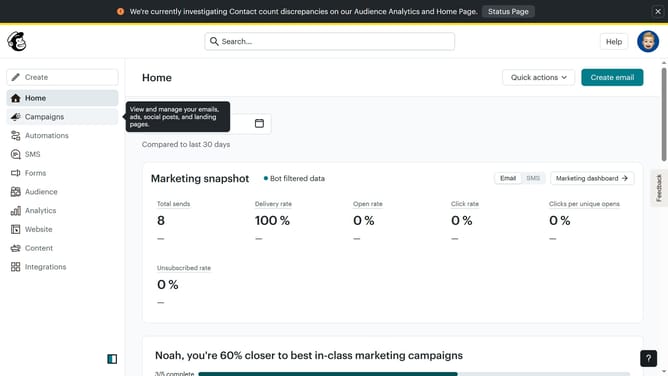
- First click on the "Campaign" button in the left sidebar navigation menu
- Then click on the "Type" dropdown filter in the campaign list header
- Finally select "Classic automation" option from the Type dropdown menu
Why should you change filter campaigns to classic automation in Mailchimp
Mailchimp is a powerful tool designed to streamline email marketing and enhance brand communication.
Transforming filter campaigns to classic automation in Mailchimp is a seamless feature that unifies your marketing efforts. This transition ensures that your campaigns run smoothly and cater to specific audience segments. By leveraging this feature, marketers can refine targeting strategies, driving higher engagement and conversion rates.
Ultimately, utilizing classic automation enhances efficiency, freeing up time to focus on other creative marketing endeavors.
Last update