How to replicate a survey in Mailchimp
Here is how to replicate a survey in mailchimp
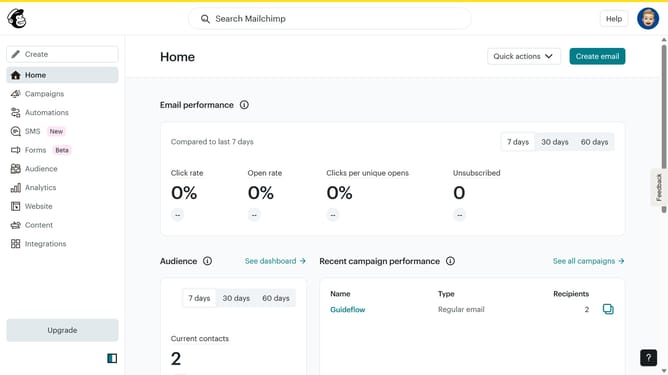
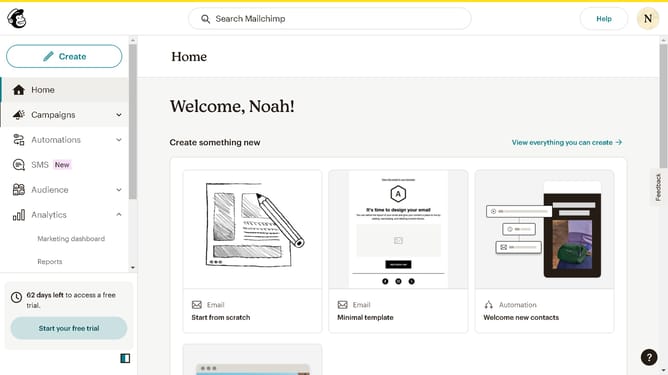
- First click on "Audience" in the left sidebar
- Then click on "Surveys" in the Audience section
- Next, click on the "View all" button
- Then click on the dropdown arrow next to "View results"
- After that, click on "Replicate" in the dropdown menu
- Then click on the "Begin" button
- Next, click on "Continue to design" button
- Then click on the "Review" button
- Finally, click on the "Continue" button
Why should you replicate a survey in Mailchimp
Mailchimp is a powerful marketing platform that helps businesses seamlessly manage their email campaigns.
Replicating a survey in Mailchimp enables users to efficiently duplicate and customize existing surveys. This feature is beneficial as it saves time and ensures consistency across campaigns.
Utilizing the replication feature offers a streamlined way to gather customer insights without having to recreate surveys from scratch, enhancing both productivity and data accuracy.
With this feature, you maintain a cohesive look and feel across your marketing efforts, which is essential for brand consistency and user engagement.
Last update