How to edit a comment on a campaign in Mailchimp
Here is how to edit a comment on a campaign in mailchimp
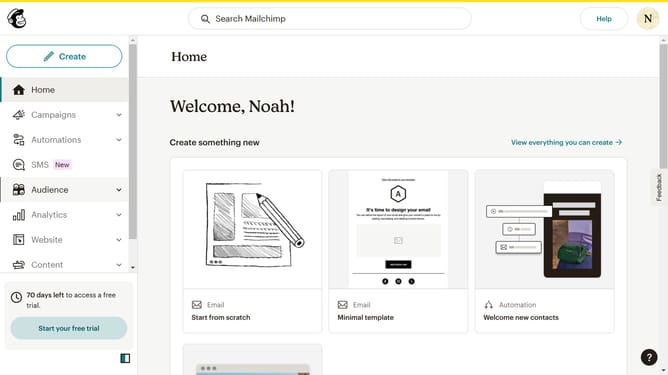
- First click on "Campaigns" in the left sidebar menu
- Then click on "WIP" campaign from the campaign list
- Next click on "Edit design" button in the email preview section
- Click on "Comment" button in the top toolbar of the email editor
- Then click on the comment options menu (three dots) in the sidebar
- Then click on the "Edit" option in the dropdown menu
- Next click on the comment text field to edit the existing comment
- Finally click on the "Save" button in the comment section to save your changes
Why should you edit a comment on a campaign in Mailchimp
Mailchimp is a dynamic platform designed to help businesses optimize their marketing strategies with ease and efficiency.
Editing a comment on a campaign in Mailchimp allows teams to refine their collaborative efforts. This feature streamlines communication, ensuring all feedback is relevant and up-to-date.
Using this function, you maintain clarity and precision in your marketing campaigns. By keeping comments accurate and aligned with current objectives, the overall effectiveness of your campaigns is enhanced, leading to better outcomes.
Last update