How to insert contacts in Mailchimp
Here is how to insert contacts in mailchimp
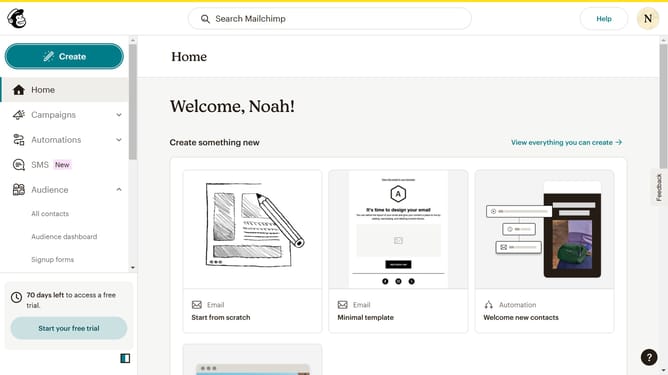
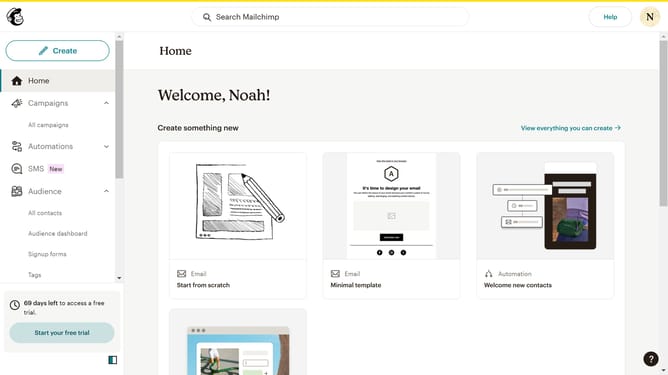
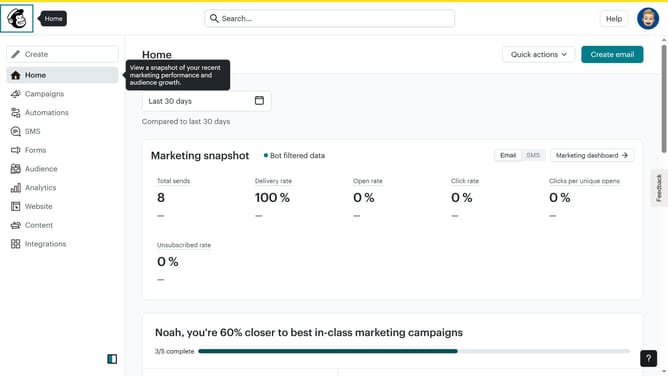
- First click on "Audience" in the left sidebar menu
- Then click on "Add contacts" button in the top right corner
- Next select "Add a single contact" option from the dropdown menu
- Click on the "Email Address" field to enter contact information
- Click on the "First Name" field to enter the contact's first name
- Click on the "Last Name" field to enter the contact's last name
- Click on the checkbox field to approve the contact's permission
- Finally click the "Add contact" button at the bottom of the form
Why should you insert contacts in Mailchimp
Mailchimp is a powerful marketing platform designed to help businesses connect with their audience seamlessly.
Inserting contacts into Mailchimp is a breeze, allowing you to effectively manage your audience base.
By importing contacts, you centralize your communication tools, ensuring your campaigns reach the right people.
This feature offers the ability to effortlessly organize and segment your audience, enhancing targeted message delivery and engagement rates.
Last update