How to create an automation with a template in Mailchimp
Here is how to create an automation with a template in mailchimp
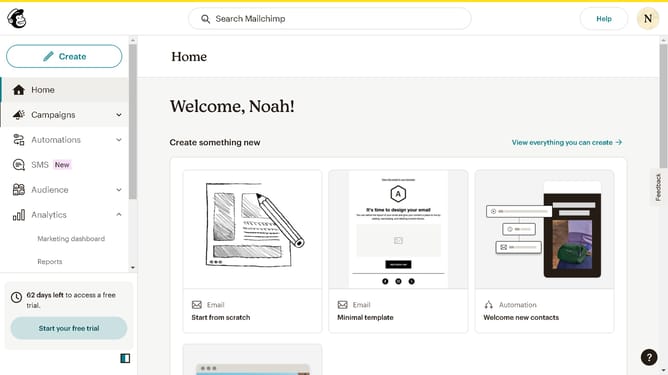
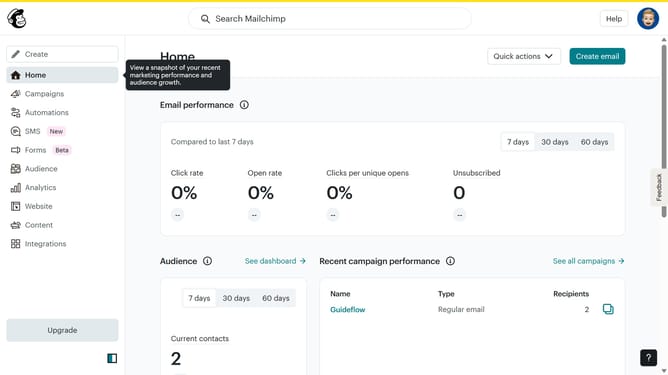
- First click on the "Automations" item in the left sidebar menu
- Then click on "Choose flow template" button in the top right corner
- Next click on the "Welcome new contacts" template card in the flow templates list
- Then click on "Use this flow" button in the top right corner
- Finally click on "Continue" button in the audience setup modal window
Why should you create an automation with a template in Mailchimp
Mailchimp is a versatile platform designed to streamline your email marketing efforts.
Creating an automation with a template in Mailchimp is a strategic way to enhance efficiency and consistency in your email campaigns.
By leveraging pre-designed templates, you save valuable time and ensure a professional and cohesive look across all communications.
This feature allows you to focus on crafting compelling messages while automating repetitive tasks, ultimately boosting engagement and ensuring timely delivery of your content.
Last update