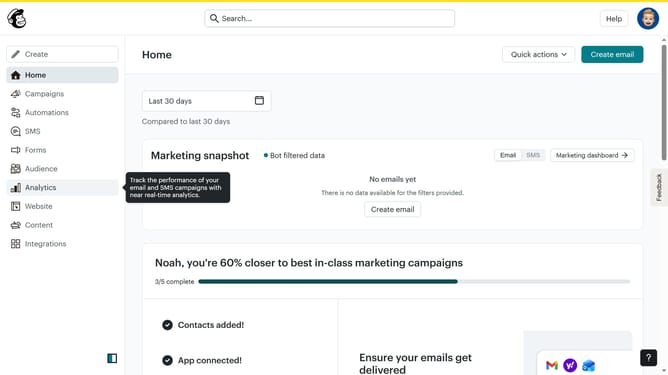
How to select multiple contacts in Mailchimp
Here is how to select multiple contacts in mailchimp
- First click on "Audience" in the left sidebar menu
- Next click on the checkbox in the contacts table for the first contact row
- Then click on the checkbox in the contacts table for the second contact row
- Next click on the main checkbox in the table header to select all the contacts in the contacts main area
- Finally click on the main checkbox in the table header to unselect all the contacts in the main area
Why should you select multiple contacts in Mailchimp
Mailchimp is a powerful email marketing platform designed to help businesses reach their audience effectively.
The ability to select multiple contacts in Mailchimp enhances user efficiency by streamlining list management tasks.
This feature is particularly beneficial when you need to quickly update, tag, or send campaigns to specific segments of your audience, saving valuable time.
By using this functionality, you can ensure cleaner lists and more targeted communication strategies, ultimately leading to better engagement and results.
Last update