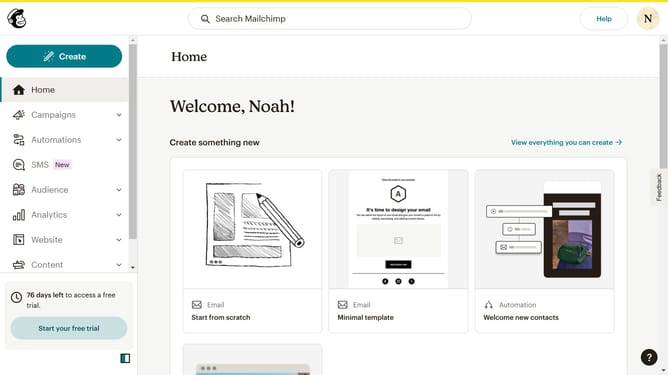
How to filter campaigns to emails in Mailchimp
Here is how to filter campaigns to emails in mailchimp
- First click on the "Campaign" button in the left sidebar navigation menu
- Then click on the "Type" dropdown filter in the campaign list header
- Finally select "Email" option from the Type dropdown menu
Why should you filter campaigns to emails in Mailchimp
Mailchimp is a versatile marketing platform designed to help you manage and communicate with clients effectively.
Filtering campaigns to emails in Mailchimp allows users to customize the communication experience by targeting specific audiences, ensuring that the right message reaches the right people.
This feature enhances your marketing strategy by improving engagement rates and fostering meaningful connections with your audience.
By streamlining your email campaigns, it saves time and resources, ultimately boosting overall marketing efficiency.
Last update