How to change paragraph font style to bold in an email campaign in Mailchimp
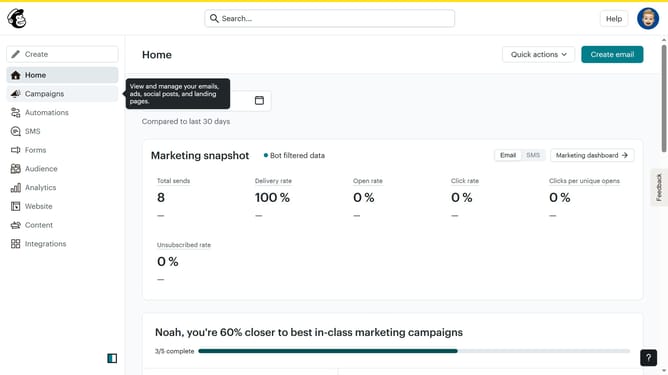
Here is how to change paragraph font style to bold in an email campaign in mailchimp
- First click on "Home" in the left sidebar
- Then click on the "Edit" button
- Click on "Edit design" button in the bottom right corner
- Then select "Styles" from the left sidebar
- Click on the "Text" option in the left sidebar
- Finally click on the "B" button for bold text
Why should you change paragraph font style to bold in an email campaign in Mailchimp
Mailchimp is an intuitive email marketing platform designed to help businesses effectively reach their audience.
Changing the paragraph font style to bold in your email campaigns in Mailchimp enhances readability and highlights important information.
This feature ensures your key messages stand out, capturing attention and driving engagement.
Using bold fonts strategically can encourage recipients to focus on call-to-actions, making your campaigns more persuasive and effective.
Last update