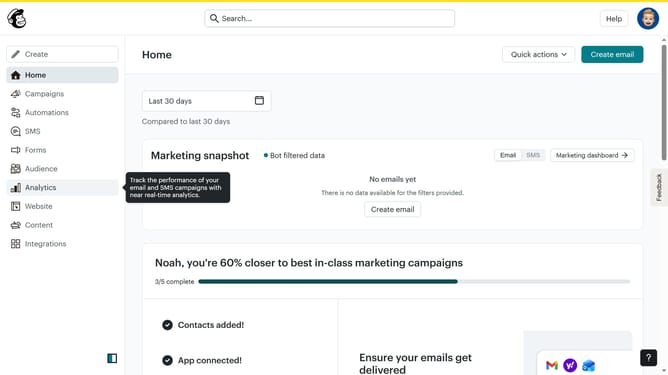
How to add background image in an email campaign in Mailchimp
Here is how to add background image in an email campaign in mailchimp
- First click on the "Campaigns" item in the left sidebar
- Then click on the "Edit" button across the campaign title that you want to manage
- Then click on the "Edit design" button in the bottom right corner
- Then click on the "Styles" item in the left sidebar
- Then click on the "Background" dropdown item
- Then click on the "Drop an Image or Browse" button
- Then select the desired image from the "Content Studio"
- Then click on the "Insert" button
- Finally click on the "Save and exit" button in the top right header
Why should you add background image in an email campaign in Mailchimp
Mailchimp is a versatile platform designed to streamline email marketing for businesses of all sizes.
Adding a background image to your email campaign is one of Mailchimp’s standout features, enhancing your message's visual appeal.
Integrating background images can make your email campaigns more engaging by capturing attention and creating a memorable experience. This customization improves brand recognition and fosters a stronger emotional connection with your audience.
Ultimately, a well-designed email campaign can significantly increase open rates and improve overall marketing effectiveness.
Last update