How to add a signup form to a landing page in Mailchimp
Here is how to add a signup form to a landing page in mailchimp
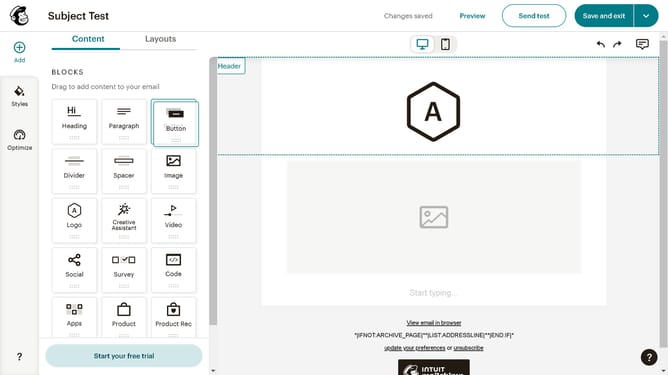
- First click on "Campaigns" in the left sidebar
- Then click on the "Edit" button
- Next click on the "Edit design" button
- Then select the "Signup Form" template and drag it into your preferred area in the landing page
- Finally click on the "Save & Close" button
Why should you add a signup form to a landing page in Mailchimp
Mailchimp is a multifaceted marketing platform designed to help you connect with your audience in meaningful ways.
One of the standout features of Mailchimp is the ability to seamlessly integrate signup forms into your landing pages. This feature allows businesses to effortlessly collect visitor information and expand their email lists.
Embedding a signup form on your landing page not only streamlines lead collection but also enhances user engagement. By capturing data efficiently, you open doors to more personalized marketing efforts and foster stronger relationships with potential customers.
Last update